DramaShorts subscription renewed automatically, how can I cancel before next charge?
91 Views
1 Comment4 Complaint
If your DramaShorts subscription renewed automatically,
• Cancel before the next charge;
– Go to the platform you used to subscribe:
• iPhone → Settings → Apple ID → Subscriptions → Cancel
• Android → Google Play → Payments & Subscriptions → Cancel
• Website → Profile → Subscription → Unsubscribe
• Important timing;
– Cancel at least 24 hours before renewal to avoid the next charge
Check cancellation status;
• Verify:
– Subscription shows “Canceled”
– No next billing date
– Cancel button is no longer visible
Understand how billing works;
– Subscriptions renew automatically until you cancel
– You keep access until the current billing period ends
If you can’t cancel;
– Contact DramaShorts support
– Ask for manual cancellation
• Write:
– “Cancel my subscription and disable auto-renewal immediately before the next billing date.”
If support does not reply, you might want to consider posting a complaint on Xolvie in order to bring attention to the issue and try to find a solution.
I recently started a weekly Drama Shorts subscription today under the username Valkyr13, but I would like to cancel it i...mmediately. I do not want this subscription to continue and I want the auto-renewal to be fully disabled before the next billing date. I have not received any response yet from Dra
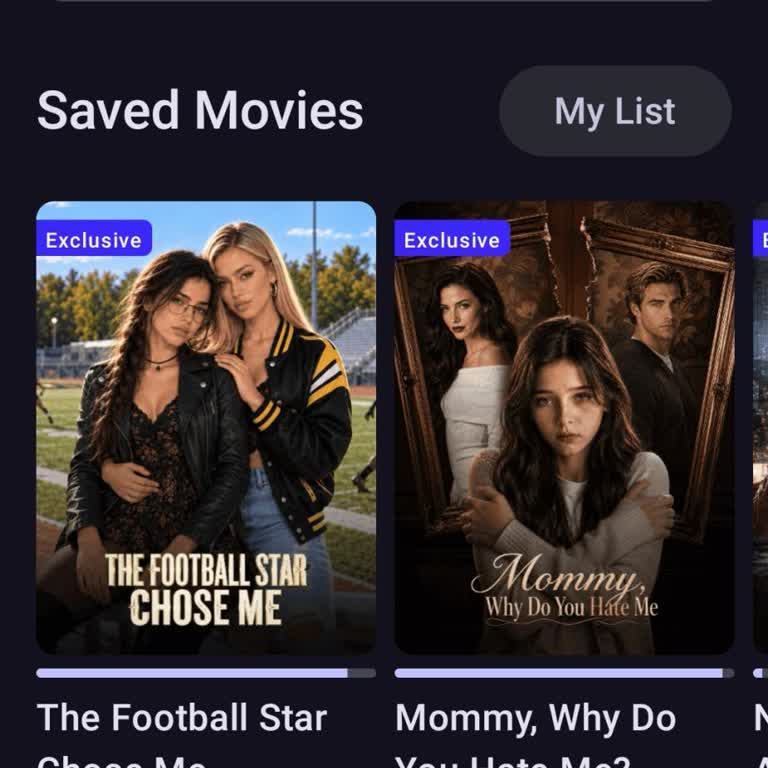
I have a monthly subscription to DRAMASHORTS through the Android application, with my account registered in the Google P...lay Store of Peru. I no longer use the service and want to cancel my subscription, but I cannot find any option in the app that allows me to cancel it. My last payment was charged
I have noticed that a TV/movie streaming subscription is being charged to my checking account under the description “sg....drama shorts,dova,nv”. I did not clearly realize which service this was, and I can no longer afford to keep paying for it. I am requesting that my subscription associated with this
I recently started a subscription to the service called “Drama Shorts” via Facebook around 19–21 June. Although the amou...nt has already been charged to my bank account, I cannot find this subscription listed under my Apple subscriptions, and I also cannot locate any clear option through Facebook or t




1 Comment