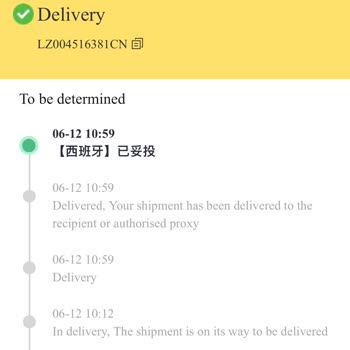
DHgate marked the item as delivered, but I didn’t receive anything. How can I handle this situation?
18 Views
If DHgate marked the item as “delivered” but you didn’t receive anything, you can handle it like this:
• Check the full tracking details and confirm the delivery date, time, and address
• Ask neighbors, the concierge, or reception in case it was delivered to someone else
• Save screenshots showing “delivered” and your order number
• Check whether the carrier left a photo or digital signature
Open a dispute from your DHgate account:
• Go to My Orders → Open Dispute
• Select “item not received”
• Attach tracking screenshots and explain that the package did not arrive
Request that they:
• Start an investigation with the carrier
• Confirm the exact delivery location
• Offer a reshipment or refund if there is no valid proof of delivery
• Provide a case number
• Give a clear resolution timeframe
If the seller does not respond:
• Escalate the dispute to DHgate before the deadline expires
• Keep all communication within the platform
• If you paid by card or PayPal, consider filing a dispute for “item not received” if the issue is not resolved
If you’d like to see similar experiences or how others resolved the same issue, you can consult and share your case on Xolvie for free and get better guidance.
DHgate Order Tracking: YY218926722CN This order was never delivered to me, yet the DHgate system marked it as delivered.... When the package arrived in Turkey, I was asked to pay a mandatory customs broker/customs handling fee. This fee was higher than the value of the product itself, so the package
On October 5, I placed an order on DHgate for a Tandorio brand watch (order number: 314116494251). I selected the seller... “us_arizona.” However, the item was lost during shipping and never reached me. I informed the seller about the situation and requested a refund, but I did not receive any respons
I ordered a game console from DHgate.com on April 23, but accidentally confirmed the delivery due to a language barrier.... When the package didn’t arrive, I contacted the seller, who told me the item was lost in shipping. I asked for a replacement, but the seller stalled until the transaction closed o
I placed two orders on DHgate, order numbers 32724590310 and 32724590311, on April 4, 2024. The seller marked them as sh...ipped the same day. However, the tracking information shows that both orders were "delivered" on June 10, 2024, which is false. I never received these items. I am unable to file a
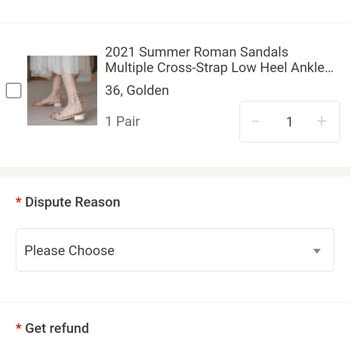
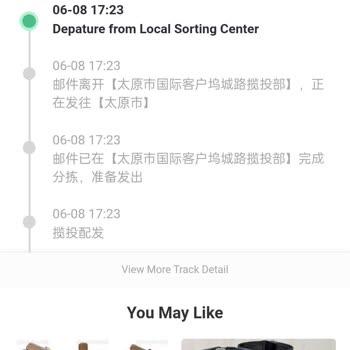
I'm having trouble locating my order from Dhgate in the system. It seems to be missing, and I'm unable to track it down.... I've misplaced my funds and require help from the appropriate authorities. I have included the receipt and am eagerly anticipating a resolution. I've included some pictures of the
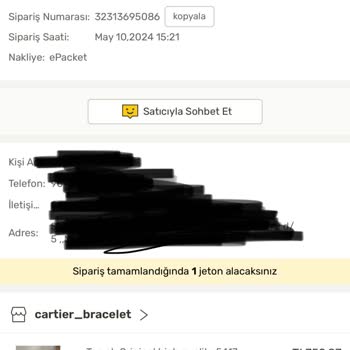
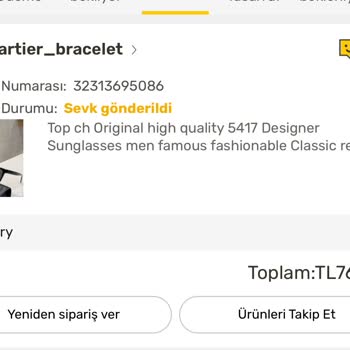
I made a purchase on May 13, 2024, with DHgate. The order number is 32313695086. According to the seller, the item was s...hipped on the same day. However, the tracking information indicates that the order was delivered on December 6th. I am unable to initiate a dispute. I'm uncertain about whether it'