Xolvie Resolution Specialist14 Ocak 2026 12:09
Low FPS can be related not only to the graphics card but also to the CPU, memory, or in-game settings.
Start by checking temperatures — if the GPU is overheating, the system will throttle clock speeds, which sharply reduces performance.
Clean the fans and heatsink, make sure the fans are working properly, update the drivers, and ensure that all required power cables are connected (6/8-pin or 12VHPWR for newer models).
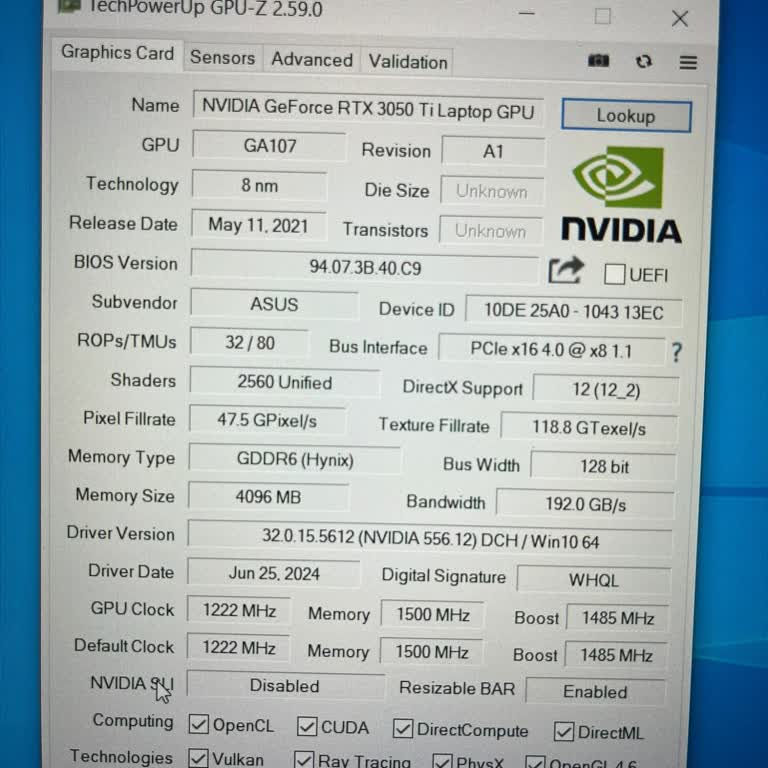
Check whether the game is running on integrated graphics. On ASUS laptops, switching can happen automatically — set the preferred GPU in the NVIDIA or AMD control panel. In ASUS Armoury Crate, select the Performance or Turbo profile for gaming.
In the game settings, lower resource-intensive options such as ray tracing, shadows, and texture quality. If FPS drops occur suddenly, check CPU usage — the processor may be creating a bottleneck and cannot feed data to the GPU fast enough.
Also check Windows updates — some OS versions can cause issues with GPU drivers. If FPS dropped after an update, try rolling back to a previous stable driver version.
Proper diagnostics help restore performance and achieve smooth gameplay even in demanding scenes.
Vote
Related Complaints
Asus ROG Strix SCAR Graphics Card Driver Not Working on Brand-New Laptop

January 2 3:38 PM
On December 29, 2025, I purchased an Asus ROG Strix SCAR G635LX-RW141W Gaming Laptop from Vatan Bilgisayar, paying a ver...y high price. I chose this high-end computer because I trusted the brand and the model, but from the very beginning, the graphics card driver has not been functioning properly. Sin
"ASUS" Damaged My Device And Wants To Charge For Repairs

July 19, 2024 1:58 AM
Asus's official application, "MyAsus," updated all the drivers and applications of my FX506HEB model gaming laptop as pa...rt of its function, including the GPU's VBIOS file. Up to this point, everything was normal. However, after the GPU VBIOS update, the gaming performance of the computer completely
Unable to Play FIFA 2023 on Asus ROG Flow

May 4, 2024 5:28 PM
I'm having trouble playing FIFA 2023 on my Asus ROG Flow gaming laptop; it keeps freezing. When I reached out to Asus cu...stomer service, they told me to send an email. However, the answers I got were pretty basic and not really helpful, just like what you can find online. I demand effective and faste
ASUS G614JI-N3188 Gaming Laptop Gets Too Hot and Battery Doesn't Last Long

December 6, 2023 10:04 AM
After purchasing the Asus G614JI-N3188 Gaming Laptop on April 27, I noticed serious performance issues while gaming. Com...paring my measurements with online test videos for the same model revealed a significant problem. Despite choosing Asus for its advertised cooling capabilities, I experience temper

Asus
View All Complaints