ShortsWave made canceling my subscription confusing across platforms, how can I cancel it properly?
128 Views
1 Comment12 Complaint
If ShortsWave made canceling confusing across platforms,
• Identify where you subscribed;
– Apple App Store / Google Play / PayPal / direct card
– You must cancel from the same platform used for payment
– If you cancel in the wrong place, billing continues
• Cancel from the correct location;
– iPhone → Settings → Apple ID → Subscriptions → Cancel
– Android → Google Play → Payments & Subscriptions → Cancel
– PayPal → Automatic Payments → Cancel
– If “Cancel” is missing, it may already be canceled or under another account
• Check all possible accounts;
– Try different Apple IDs / Google accounts
– Check family sharing accounts
– Search email for receipts to confirm which account was used
• Confirm cancellation properly;
• Verify:
– Status shows “Canceled”
– You see an expiration date (not renewal)
– You received confirmation email
• If it’s still confusing or blocked;
– Contact ShortsWave support
– Ask them to confirm the billing platform
• Write:
– “My subscription is hard to cancel across platforms. Please cancel it on your side and confirm no further charges.”
If they keep charging you, dispute the payment and file a complaint on Xolvie to force resolution.
I have a subscription with ShortsWave and I want to cancel it, but the platform does not offer any visible cancel button... or option in my account settings. Today I tried to cancel my subscription several times and carefully checked the menus and settings, but there is simply no way to proceed with th
I have been experiencing an ongoing problem with my ShortsWave subscription since July 10, 2026. I have been trying to c...ancel my subscription through the membership menu in the iPhone app, but there is no clear way to do so and the subscription is not appearing in my paid subscriptions list. When I
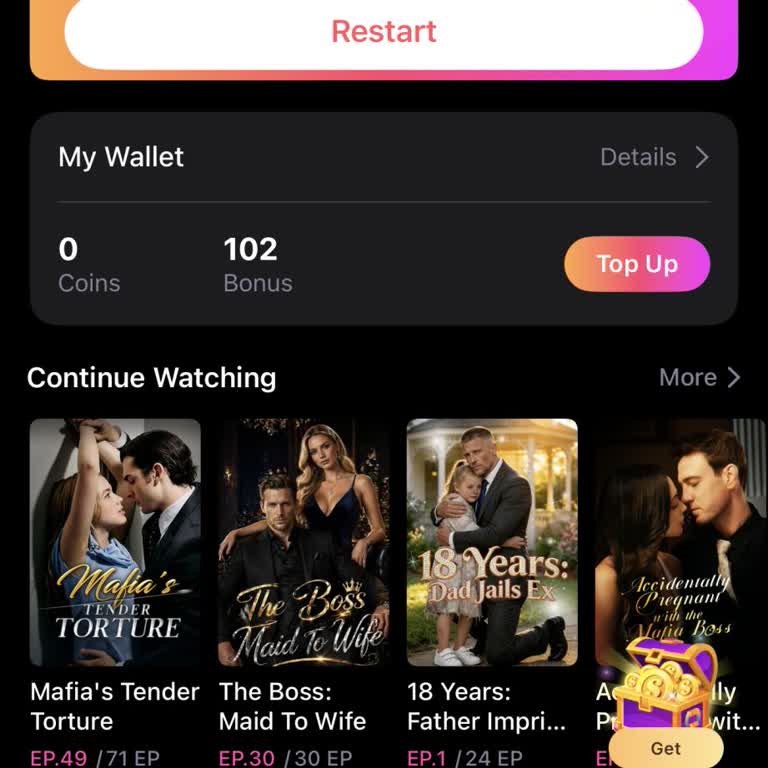
I have a problem with a weekly Shortswave subscription on my Android device that I am unable to cancel. I started being ...charged last week and the weekly fee is 17.99, but I cannot find any option to end this subscription. When I go to my Google Play subscriptions page, Shortswave does not appear in
I subscribed to the Shortswave app today, July 17, 2026, through my phone and was charged for a weekly subscription. Aft...er using the platform, I saw that it is full of ads and the movie playback quality is very poor, so I decided I do not want to continue with this service. When I tried to cancel, t
I have a Shortwave VIP membership that I started on 07/07/2026, and it is set to renew on 07/14/2026. I am writing becau...se there is no clear or accessible way to cancel this VIP membership within the service, and I do not want to be charged again. I created the VIP membership with the email address
I am a paid subscriber to the ShortsWave Drama service and I want my subscription cancelled immediately. Although I am b...eing charged through Apple in the United States, the ShortsWave Drama subscription does not appear anywhere in my Apple subscriptions, so there is no visible option for me to manag
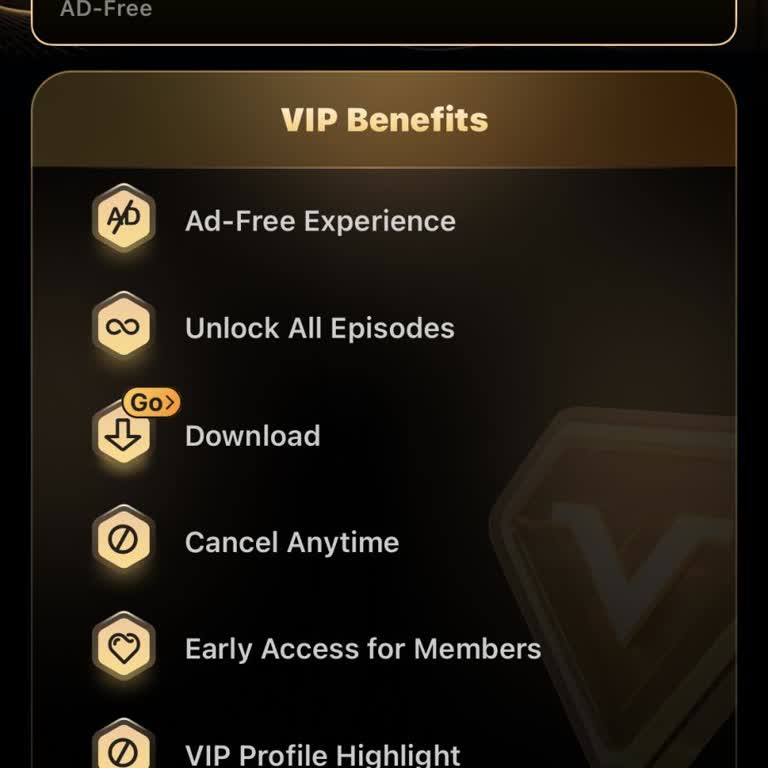
I am a user from the USA and I have a ShortsWave subscription that I am unable to cancel despite multiple attempts. I wa...nt my subscription to be cancelled immediately and a refund issued for the last week I was charged. I have checked my Apple subscriptions, Google Play, and Facebook, but ShortsWave
I have a paid subscription to the Shortwave Drama service and I want it to be cancelled, but I am unable to do so becaus...e the subscription does not appear in my Google Play Store subscriptions. There is no visible option for me to manage or cancel it through Google Play, so I am effectively stuck pa
I started a ShortsWave subscription on June 2, 2026 and have been trying to cancel it since June 8, 2026. However, there... is no option or visible way to cancel the subscription, so I have been unable to terminate it myself despite multiple attempts. I purchased and paid for the subscription via Apple
I have a ShortsWave subscription that I have been trying to cancel for about a week through the internet, but I am unabl...e to complete the cancellation process. There is no option to cancel my subscription on the ShortsWave website, and the site directs me to email them for cancellation, but they do
I am writing regarding a problem I am experiencing with my weekly Shortswave subscription, which I started on 6/1. Since... 6/5 I have been trying to cancel this subscription but have not been able to do so. When I look for a way to cancel, I cannot find any option within Shortswave to end the subscrip
I obtained my Shortswave monthly membership through Facebook and have been unable to cancel it despite multiple attempts.... There is no option to cancel the subscription either within the app or through my phone’s download or account services, and I have been charged $17.99 during this period. Since n











1 Comment