My Realme Buds Air 3 have low sound volume on calls. How can I boost the audio quality?
39 Views
First, ensure that the 'Absolute Volume' function is enabled on your device. For Realme UI 2.0, 3.0, and 4.0, navigate to Settings > Bluetooth > Advanced or More Settings > Media Volume Sync, and activate this feature.
Next, consider resetting your earbuds to resolve potential connectivity issues. Place both earbuds in the charging case, then press and hold the case's button for 10 seconds to reset them. After resetting, re-establish the Bluetooth connection with your device.
Additionally, check for firmware updates using the Realme Link app, as updates can improve performance and address known issues. Ensure your earbuds are sufficiently charged and follow the app's instructions to complete the update process.
If these steps do not resolve the issue, consider reaching out to Realme's customer support for further assistance. They can provide tailored guidance to help improve your call audio quality.
If none of the above solutions work, please feel free to share your experience. You can also file a complaint on our website.
I purchased a NOTE50 mobile phone from Vatan Bilgisayar on May 10, 2024. Shortly after I started using it, the other par...ty on calls would sometimes say they couldn't hear my voice. Initially, I thought it was a network issue, but it wasn’t. "Vatan Computer" advised me to take the phone to the KVK se
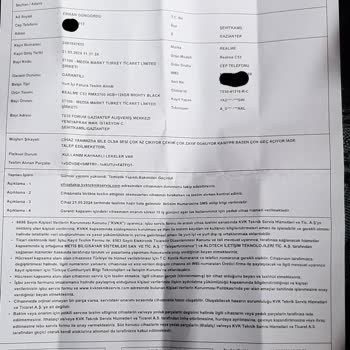
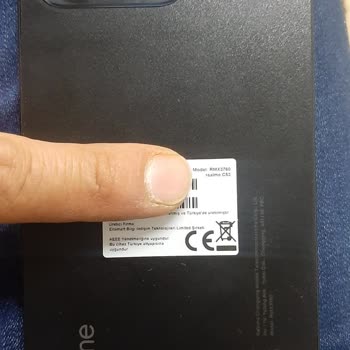
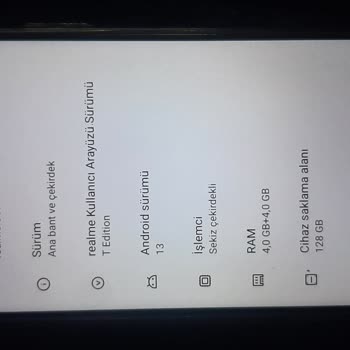
Hello, I bought a Realme C53 smartphone from Media Markt. We utilised the device for approximately five months. Ever sin...ce I purchased it, the volume on my phone has been disappointingly low, even when turned up to the maximum level. It's so quiet, you can barely hear it. In addition, the device enc