Philips Homerun 3000 Series robot vacuum maps rooms with constant errors, how can I fix it?
1 Views
If you have mapping mistakes with your Philips HomeRun 3000 Series robot vacuum, it might not clean as well. To fix this, make sure that both the software on your robot and the Philips HomeRun app are up to date.
Get your home ready for a new planning project by cleaning up and putting things back where they belong. To make scanning more accurate, get rid of small hurdles and open all the doors inside.
The charging station needs to be on the floor you want to map because the robot needs to start and end its mapping at this station.
If the mistakes keep happening, you might want to delete the current map in the HomeRun app and make a new one. You can handle up to five maps through the app, and you can make restricted areas to help the robot find its way around better.
If these steps don't fix the problem, you can read about the challenges others have faced and share your story on Xolvie.
I bought a Philips Homerun 3000 series XU3110/02 robot vacuum with a waste station from A**** E*** Outlet Center in İzmi...r, with a two-year warranty. However, when I returned from a vacation, I realized that the vacuum was not emptying the trash at the station as it should. After contacting the servi
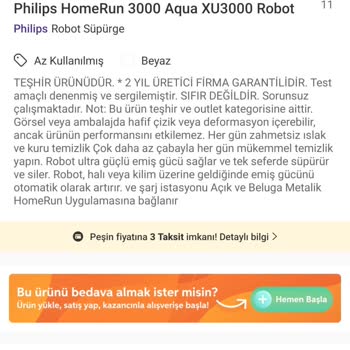
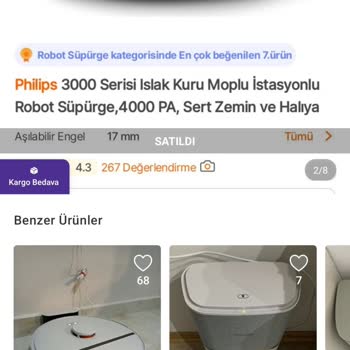
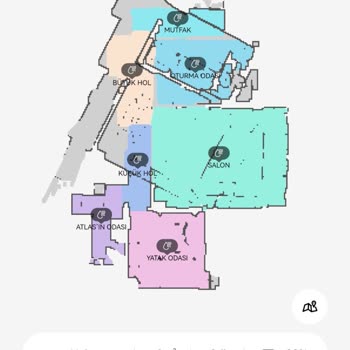
We're encountering a mapping error with our Philips Homerun 3000 Series robot vacuum. After mapping completes, the devic...e's map shifts to the left as shown in the attached image. I've tried reinstalling the app and redoing the mapping process from scratch, but the problem persists. The device is onl
I had always thought of Philips as a reliable company, which is why I bought a robot vacuum from them. My experience, ho...wever, has been far from satisfactory. The vacuum broke down after only two months of use. I took it to their service center, only to have it returned saying it was fine, with no a