GeForce NOW Shows Maintenance Message for My EA Games and Blocks Access

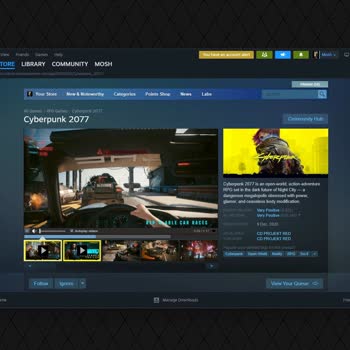
I've been having a tough time trying to play Assassin's Creed Revolution on Steam via GeForce Now for more than a week now because of this annoying code 17012 error that keeps popping up. Every time I try to install the game, I run into this annoying authorization error that completely halts the installation, making the game totally inaccessible. I’ve made multiple attempts to fix it myself, but the error just won’t go away. It's frustrating to deal with this kind of problem, particularly from a service that claims to offer smooth gaming experiences. I’ve attached a screenshot for reference and I’m hoping someone can help me out with this issue so I can finally enjoy the game without any more delays.


I've been using Geforce Now and had purchased a 12-month package. It performs quite well in many games, but I'm encountering issues like delayed loading and image rendering in online-based games. While these are somewhat acceptable, I'm facing serious problems when playing Rust. The game runs extrem...

As of today, I cannot access any games while using GeForce Now on my Windows computer. When I open the app and try to connect to a game, it stays stuck on the “connecting” screen and the game never starts. I am using the 6-month Performance membership, but the same issue occurs with every game. Bec...

I purchased a GeForce NOW powered by GAME+ subscription last month without any issues, but this month I haven’t been able to renew it. For the past week, I’ve tried at least 10 times every day, but I keep getting the same error. GeForce NOW is the only way I can play games since my PC is not capable...

With every update, GeForce Now seems to get worse. While I can launch games through Steam without any problems, the moment the game starts, the screen goes green, and the graphics get completely distorted. If it were an internet issue, I’d expect a warning when launching the game, but I get none. I’...
Comments