I lost access to my Free Fire account linked to Facebook—what proof do I need to get it back?
42 Views
If you lost access to your Free Fire account linked to Facebook;
• Secure your Facebook account first (change password, enable 2FA, remove unknown logins)
• Contact Garena Free Fire Support and submit an account recovery request stating that you lost access to a Facebook-linked account
Provide them with;
• Your Free Fire Player ID (UID) and in-game nickname
• Original login method (Facebook) and approximate account creation date
• Device model, OS, region, and last login details
• Proof of ownership, such as:
– Top-up or purchase receipts (order ID, date, amount)
– First purchase details
– Old screenshots or videos showing gameplay, inventory, or rank
– Previously linked email or Facebook ID (if known)
Ask them to;
• Verify that you are the original account owner
• Unlink unauthorized Facebook access if compromised
• Restore your account access and secure the login
If the problem persists;
• Keep all ticket numbers, emails, and ownership proof ready and file a complaint on Xolvie to seek escalation, visibility, and fair account recovery
I have been unable to access my Free Fire account for a long time and I would like your support to recover it. My in‑gam...e ID is 2308553004 and the username shown on my profile is “zungy?ULTRA”. I originally logged in with a Facebook account and a phone number that I no longer have access to. I forgo
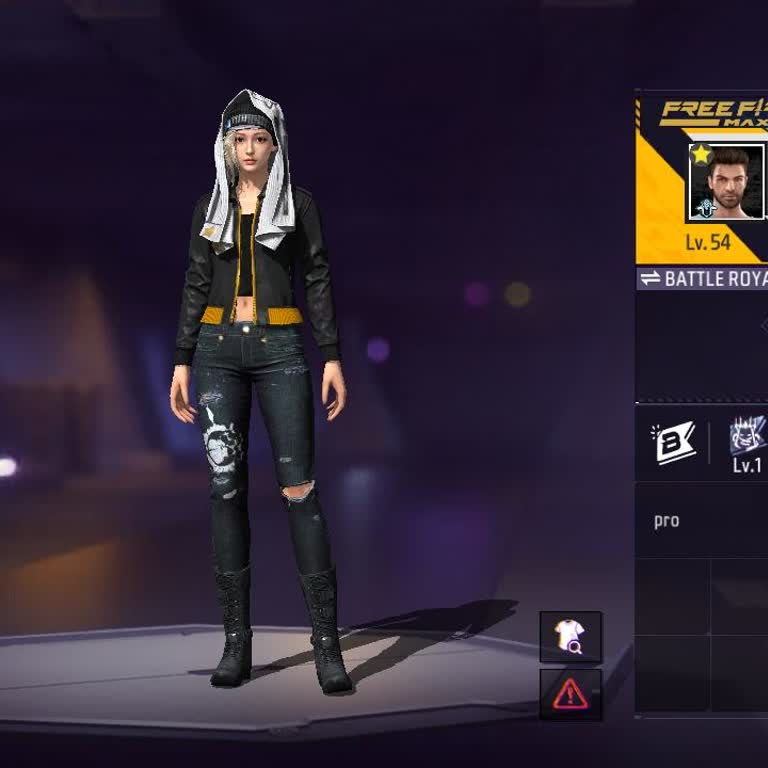
My Free Fire game account linked to my Facebook email account has been lost and I can no longer access it. When I open F...ree Fire and try to log in with the same Facebook account that was previously linked, the game now asks me to create a new Free Fire account instead of opening my old one. My lost
I have an issue regarding my Free Fire account and I need your help to recover it. I lost access to my account and unfor...tunately I do not remember the login details clearly because it has been a long time since I last logged in, approximately between one to four years ago. As far as I remember, the
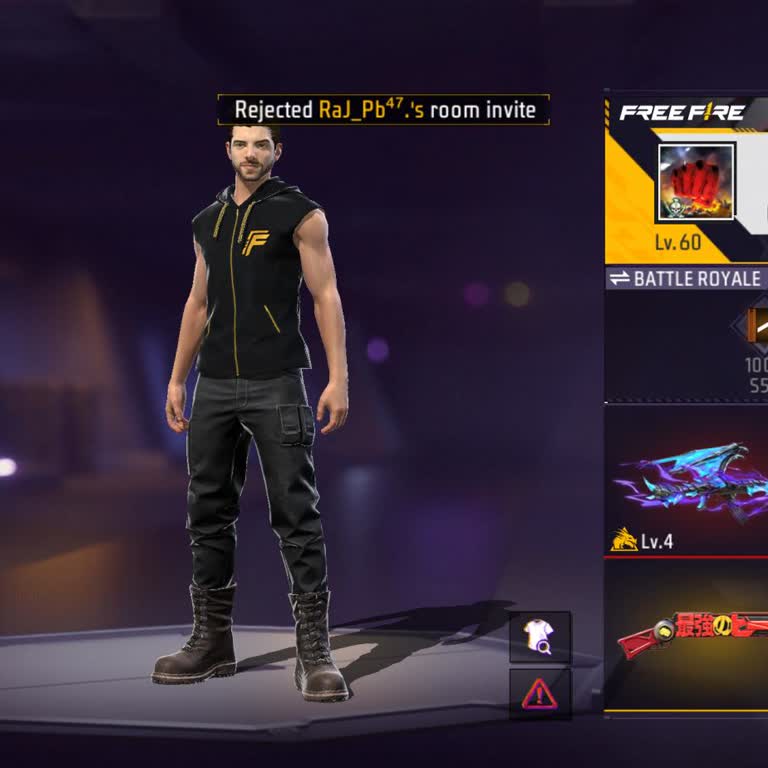
Since 2019 I have been playing Garena Free Fire and I have an old game account that is very important to me. This Free F...ire account was linked to my Facebook account. In 2022 my Facebook account was permanently banned, so I can no longer log in with Facebook and I lost access to my old Free Fire ID.
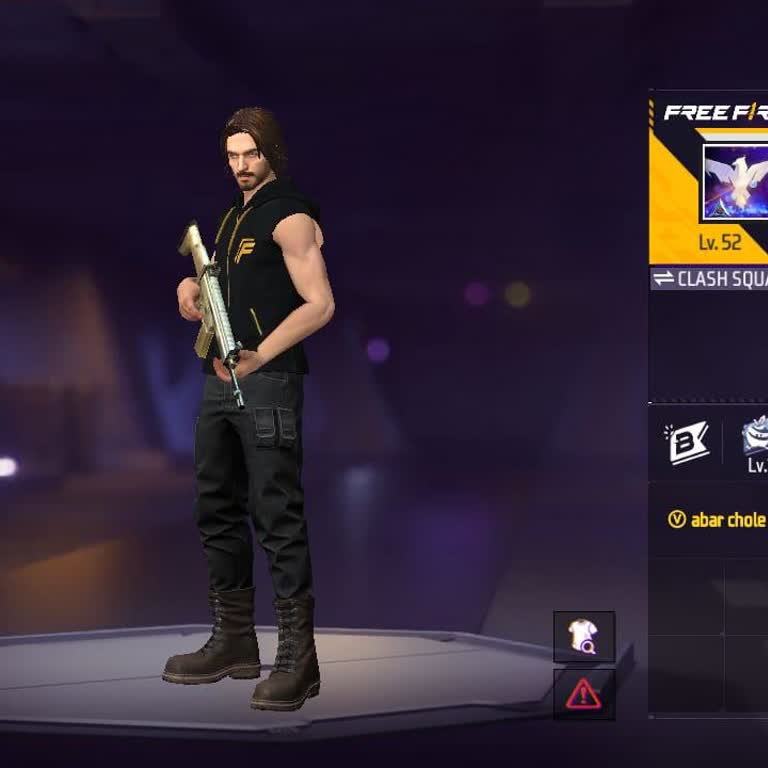
I have been having a serious problem with my Free Fire account that is linked to my old Facebook account. My Facebook ac...count is old, but when I log in to Free Fire with it, the game opens a new account instead of my old one. Previously I had an advanced Free Fire account, but now it only shows a ne
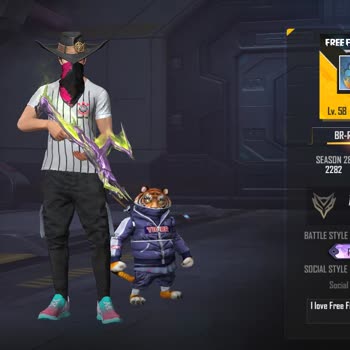
I am a Free Fire player from Uttarakhand, India and my main game account is linked to a Facebook account that was locked... around 2022 or 2023. The Facebook ID with which my Free Fire account was created is now locked and does not appear anywhere, so I cannot log in with it. However, when I search by
I am writing to report a problem regarding my Free Fire account, which was linked to my Facebook account. My Free Fire U...ID is 4293900680 and the nickname of the account is ༄●⃝BD乡SOHAG࿐. This account is very important to me because it is around 4 years old and has reached Level 59. The Facebook accou
I have an old Free Fire account that I have not been able to access for about 1–2 years, and I would like help to recove...r it. I believe the account may be linked to my old Facebook, but I no longer remember the details and cannot log in. I also no longer have access to my old phone where all my phot
I am writing because I cannot access my Facebook account, which is linked to my Free Fire game account, and I need help ...recovering it so I can continue playing. I play Free Fire on an Android phone and my in‑game name is “umaisEv1558F”. My Free Fire UID is 3242037900, my guild name is “-RAI-BRO” and
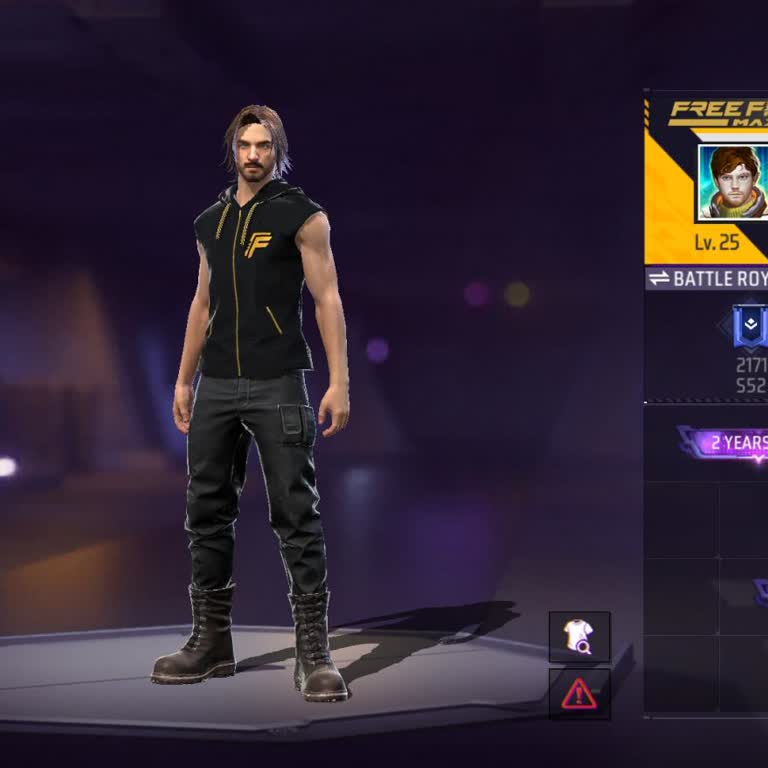
I am writing because I have lost access to my Garena Free Fire account, which was linked to my old Facebook account. Sin...ce I can no longer log in to that Facebook account, I am completely unable to access my Free Fire ID. The problem started around 5–6 months ago and since then I have not been able
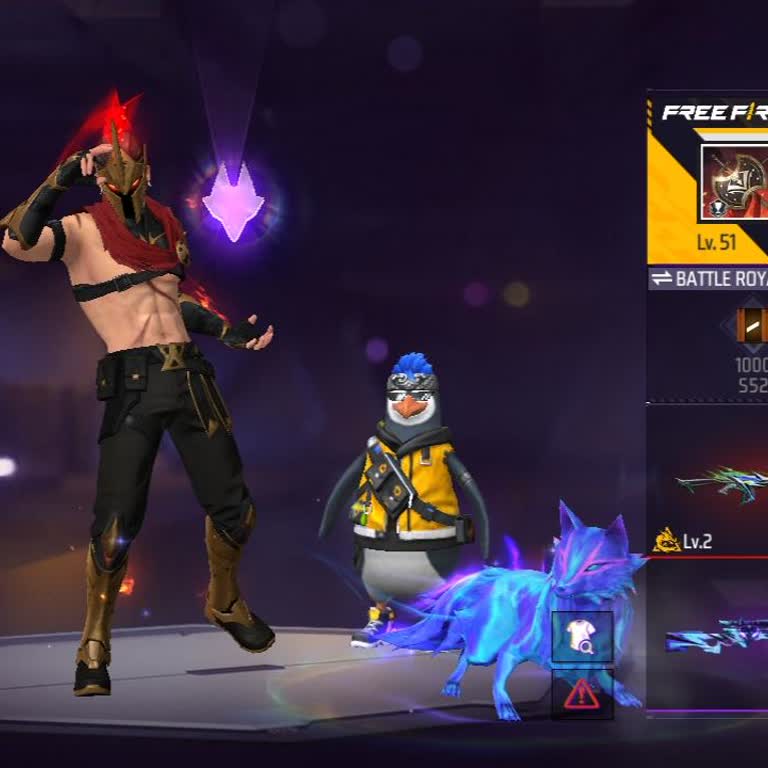
I am an Android Free Fire player and I am writing because my Garena Free Fire account, which was bound to my Facebook pr...ofile, has effectively been lost and is now starting as a completely new account. In 2023, after not playing for a while, I logged back into the same Facebook account that my Free
I am writing regarding a serious issue with my Garena Free Fire account, which I have been unable to access since Januar...y 15, 2026. My account was originally linked to Facebook and later also linked to a Gmail address. The Gmail account linked to my Free Fire account has been permanently disabled by
I have been playing Free Fire on my account with the nickname “nivedhika” and UID 12993847056 for a long time and had ma...de significant progress. My account is level 15, I have 27,405 gold, a Battle Royale score of 1728 / 552 and a Heroic Emblem rank. Two days ago I suddenly lost access to this Free
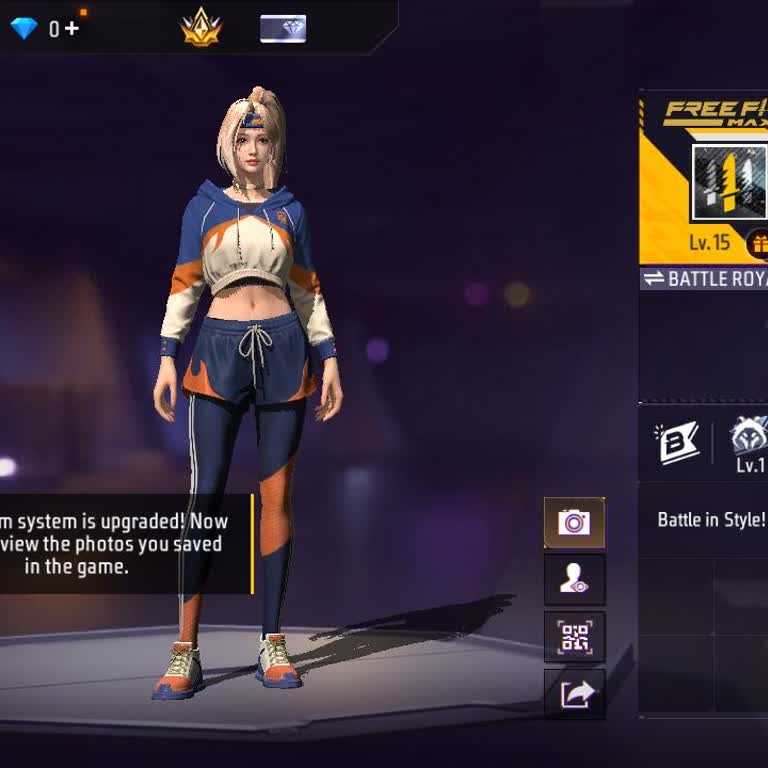
For the past 2–3 years I have been unable to access my Garena Free Fire account, which was linked to my old Facebook acc...ount on my previous mobile device. My Free Fire UID is 1752021119, my in‑game nickname was “qaidi no 47” and my region/server is Pakistan. The account was linked to my old Facebook
My old Facebook account under the name “Gaming Sasiya”, linked to the phone number 0761909***, was hacked more than thre...e years ago and I have not been able to log in since then. Someone else appears to have taken over and used this account, and I no longer have any control over it. I have repeatedl
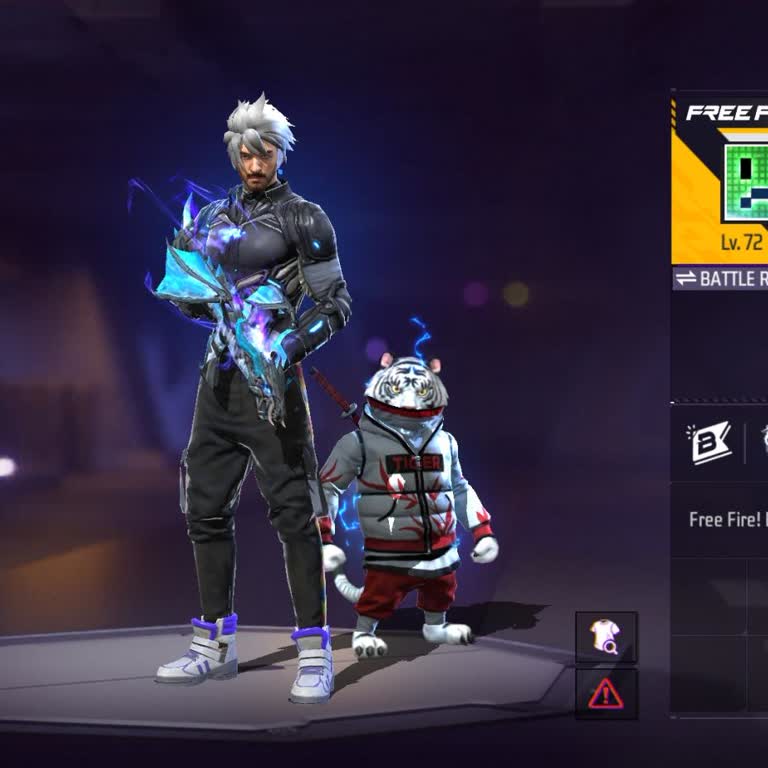
Dear Garena Free Fire Support Team, I'm reaching out to request assistance with recovering my Free Fire account, which w...as previously linked to my Facebook account. Unfortunately, my Facebook account was disabled on December 29-2025, and I'm no longer able to access my Free Fire account. My Free Fir
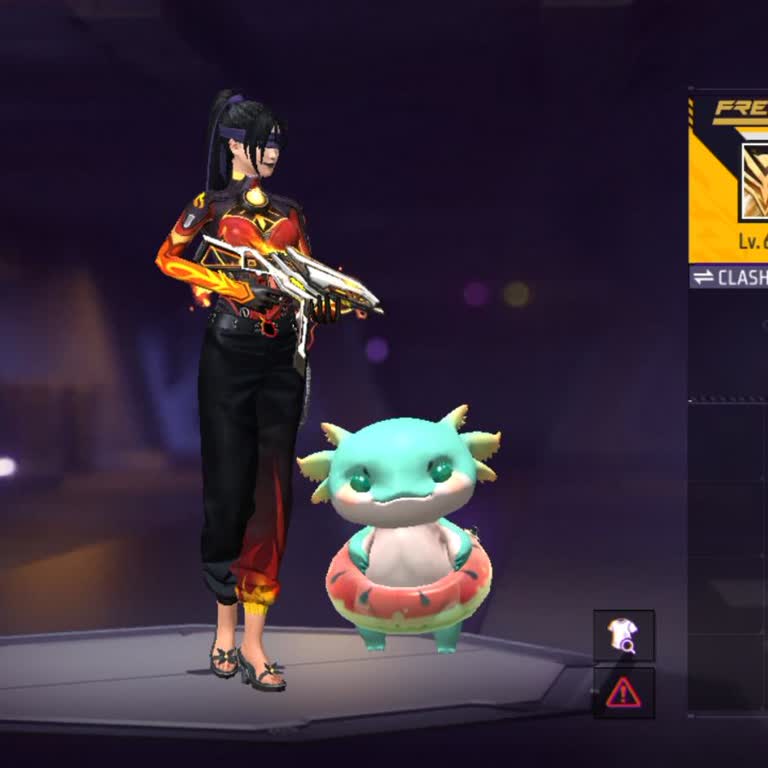
I am a Free Fire player from India and I am having a serious problem with my game account. My Free Fire account with UID... 2995843589 was linked to my Facebook account, and on 17/07/2025 my Facebook account was deactivated. After that date, I have not been able to log in to my Free Fire account becaus
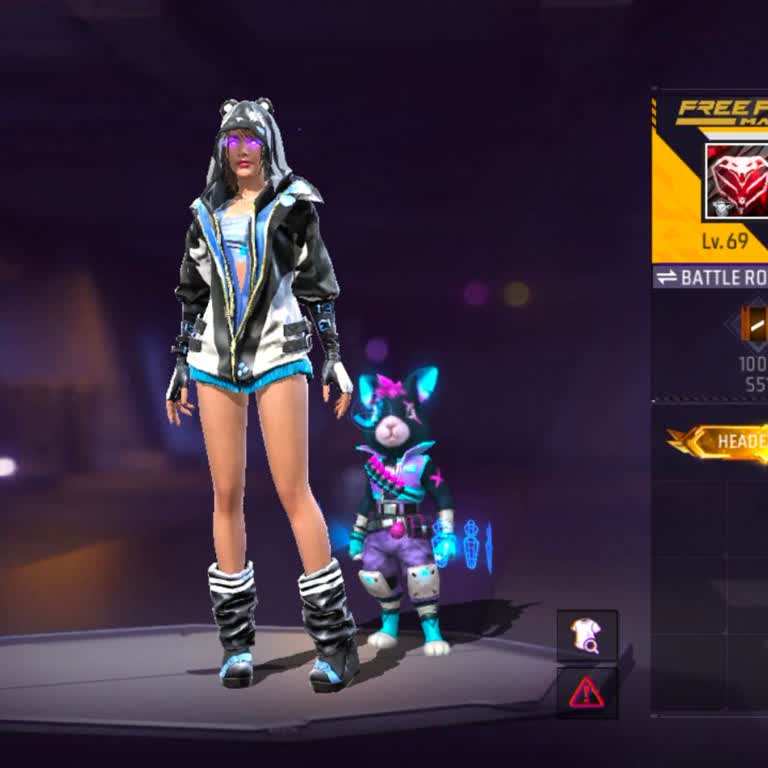
I am a Free Fire player from India and I am writing because I have lost access to my main Garena Free Fire account and n...eed your help to recover it. My in-game nickname on this account is “baby calling” and my ID is 1778043610. The account was originally linked via Facebook. On 02/01/2026 I realized
I am writing about a serious problem with my Free Fire account that was linked to my Facebook account and was deleted by... mistake about a year ago. Since then, I have tried many times but have not been able to recover it, and I am very upset because I invested a lot of time and money into this accoun
I am writing regarding the loss of access to my Free Fire account, which was previously linked to a Facebook account tha...t I can no longer access. About one year ago, my Free Fire account was hacked, and since then I have been unable to log in. My Free Fire Player ID is 1244762180. The Facebook acco
I have been unable to access my old Garena Free Fire account for about 3–4 years and I would like support in recovering ...it. I used to play Free Fire on an Android phone, and my game account was linked to my Facebook and Google accounts, which I later deleted. After deleting those accounts, I lost ac
I am a Garena Free Fire player and my account is linked to a Facebook profile. My in‑game ID is 2891897106. In November,... my Facebook account was disabled and since that date I have not been able to log in to Free Fire or access my game progress. Because my Facebook is disabled, I am completely locke
I had been playing Garena Free Fire using my Facebook account until I lost access to my game account near the end of 202...0. Since then, I have been unable to log in to my old account. I still have my UID number and purchase details, and my account previously had a linked email address and phone numbe
I am an Android player of Garena Free Fire and I am writing about a serious problem with access to my game account. My F...ree Fire UID is 2106260089 and it is currently linked to a Facebook account that I can no longer access. I do not remember the details of that Facebook account anymore and I have c
I haven’t been able to access my Garena Free Fire account for about 6–7 months. I deleted the game in June 2025, and whe...n I reinstalled it yesterday and tried to log in with Facebook, instead of opening my old account, it created a brand-new account as if I were a new user. Since I can’t find my old