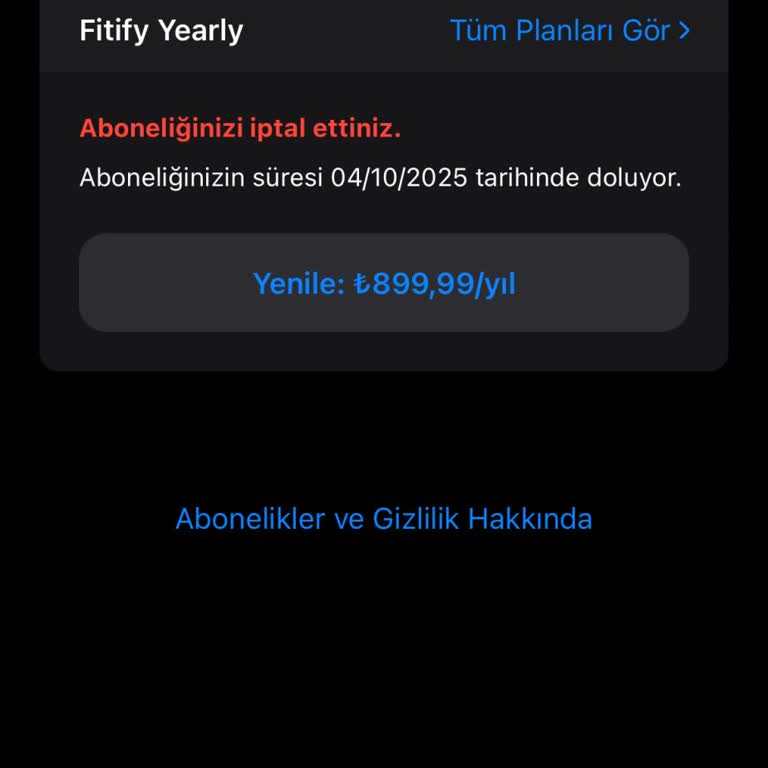
I deleted the Fitify app but the subscription keeps renewing, what are my options?
2 Views
Deleting the Fitify app doesn’t stop the subscription, because uninstalling doesn’t cancel recurring billing.
You must cancel the subscription in the App Store, Google Play, PayPal or Fitify account settings where you originally subscribed.
Go into Apple Settings → Subscriptions or Google Play → Payments & Subscriptions → Subscriptions and make sure the Fitify subscription is fully canceled and shows an expiry date, not a renewal.
If it still charges, request a refund through the same store (Apple/Google) using their refund request pages and include proof of cancellation.
If you’re struggling with a similar issue, you’re not alone. Share your concerns or file a complaint on Xolvie to connect with others and find support.
Even though I deleted the Fitify app, it still charged me ₺899 without my consent. I tried to request a refund, but when... I searched for the app under my subscriptions, it didn’t even appear, making it impossible to process a refund request. How is it possible for Fitify to charge my account after I