Xolvie Resolution Specialist10 Aralık 2025 11:11
Why the error appears and how to perform calibration correctly. Here are useful and up-to-date recommendations:
Move the drone away from sources of magnetic interference
The DJI compass is extremely sensitive. Calibration errors occur if you are near:
– a car;
– a metal bench;
– rebar in the ground;
– speakers, laptops, phones;
– stoves or large metal objects.
Go to an open area away from anything metallic.
Keep the controller and phone away from the drone during calibration
Place them at least 1–2 meters away.
Some phone cases with magnets also interfere with calibration.
Repeat the calibration in the exact sequence
In DJI Fly, tap “Calibrate Compass.”
Rotate the drone horizontally clockwise until the step completes.
Then rotate the drone vertically and complete another full turn.
If you move too fast or jerk the drone, the app will show an error.
Restart the drone and try again
Sometimes the error appears due to a stuck sensor.
A reboot helps the system read the data correctly.
Make sure there are no strong Wi-Fi or radio signals nearby
These can also interfere with the sensors.
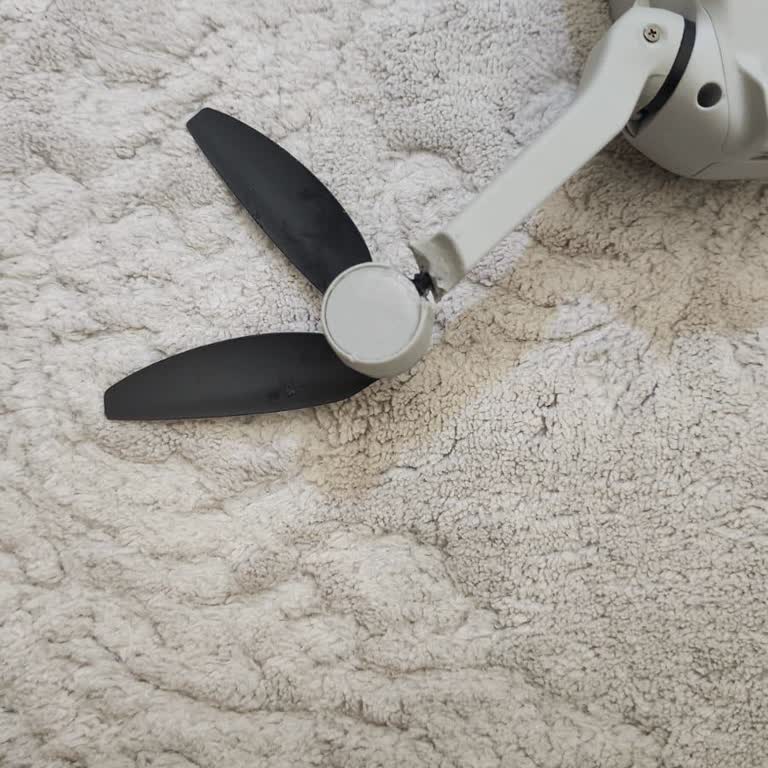
Inspect the drone for damage
After crashes, the compass or its wiring may be damaged.
In such cases, calibration will fail repeatedly.
If the error persists in multiple locations
The problem may be in the compass module itself.
A service center diagnosis is required.
If calibration still won’t complete or the compass shows an error even in a “clean” location, be sure to report the issue on Xolvie — this helps push for proper repairs and a full warranty check of the device.
Vote
Related Complaints
DJI Mini 2 SE Drone Spirals Out of Control and Crashes

May 28, 2024 8:25 PM
I recently purchased a DJI Mini 2 SE drone and experienced a significant issue. On May 8th, I flew the drone from the ba...lcony of my 8th-floor apartment. As soon as it exited the building, it began to wobble and quickly lost control, despite being connected to 10 GPS satellites and having flight clea

dji
View All Complaints