I lost my XLM on Coinbase and customer service didn’t help, how can I recover my missing funds?
88 Views
Losing XLM (Stellar) on Coinbase can occur as a result of improper transaction data, such as omitting the memo/tag needed for transactions.
To retrieve your missing funds, first validate the transaction on the Stellar blockchain with the transaction hash from your Coinbase account.
This will validate where the XLM was sent and whether the transaction was completed successfully.
If the memo/tag was removed or inaccurate, monies may not be instantly credited to the recipient's wallet. In this instance, contact the receiver platform or wallet provider and submit the transaction information to recover your XLM.
If the problem happened within Coinbase (for example, sending from one Coinbase wallet to another), send the transaction hash and account information to the Coinbase Help Center at help.coinbase.com (https://help.coinbase.com).
For unresolved instances, try filing a complaint with Xolvie. To avoid future losses, always proceed with prudence and double-check all transaction data.
Two years ago, I signed up for Coinbase and received rewards after completing the required steps. I even referred friend...s to the platform, and my account had a decent balance from these rewards. However, when I logged in recently, all my earned rewards were gone! I tried accessing my account throug
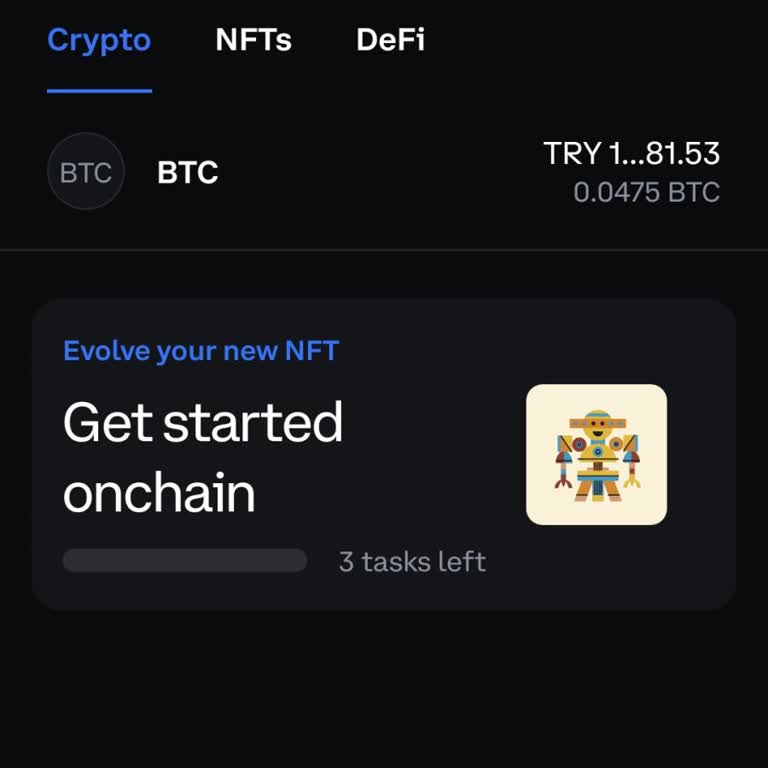
I had approximately ₺50,000 worth of crypto in my Coinbase Wallet when I received an NFT containing a code. After applyi...ng the code, my wallet was hacked, and all my crypto assets were transferred out. This is an unacceptable breach of security, and Coinbase has not provided any response or assistan
Today, all my assets were taken from my Coinbase Wallet, and I can’t find anyone to assist me. I trusted Coinbase as one... of the most secure platforms, but now all my investments are gone, and there's no one to contact for help. I demand the immediate return of my assets. If this issue isn’t resolve
Today, all the assets in my Coinbase Wallet were taken without my consent, and I can’t find anyone to help me resolve th...is issue. I trusted Coinbase as one of the world's most secure companies, but now everything is gone. I need my assets returned immediately. If Coinbase can't ensure security, I wi
I recently earned money on a website that instructed me to create a Coinbase wallet for the funds to be transferred. I f...ollowed their instructions, set up the wallet, and received the money. However, just an hour later, my funds disappeared from the wallet—$3,389 gone without a trace. I’m extremely