Xolvie Resolution Specialist19 Eylül 2025 11:32
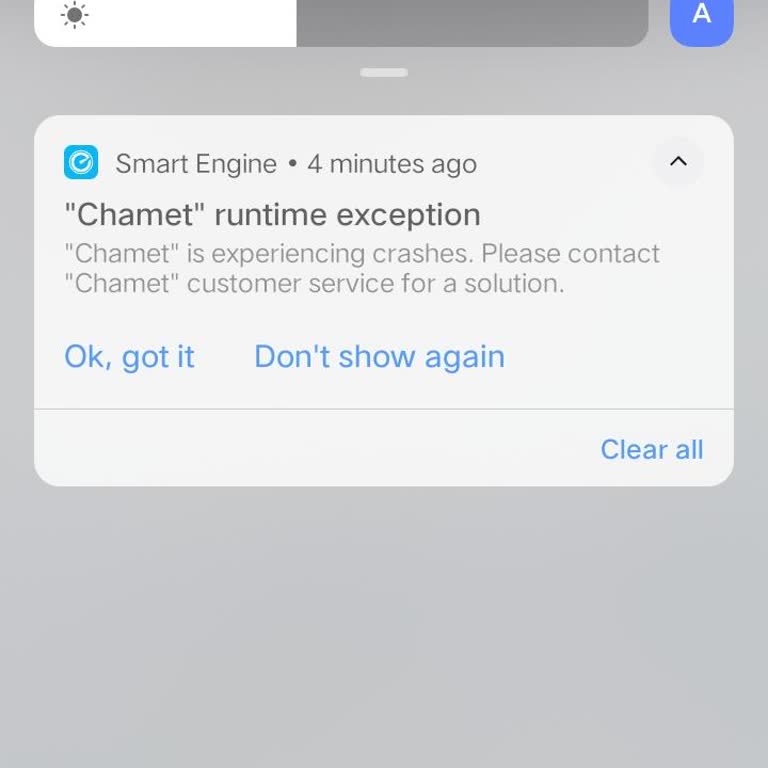
Chamet can still crash or freeze during live calls even if your internet seems stable because the app is resource-intensive and depends heavily on your device’s hardware.
Low RAM, outdated OS versions, or background apps consuming memory often trigger freezes, especially on mid-range or older phones.
Another common cause is server overload on Chamet’s side—during peak hours, video streams may lag or crash regardless of your connection quality.
Updating the app, clearing its cache, or reinstalling can help, but if the issue persists, file your complaint on Xolvie to bring attention to the issue.
Vote
Related Complaints
Chamet App Not Running

July 24 7:16 PM
I use the Chamet application on my Vivo 1938 phone, but for about one week the application has become unusable. Whenever... I try to open or use Chamet, a runtime error appears and the app crashes. Until one week ago, I was able to use Chamet normally on this same phone. I have not been able to find an

Chamet
View All Complaints