I Can’t Hear My iPhone X Screen Recording Audio in CapCut – Please Fix This Bug

April 14, 2025 7:20 PM32

I was planning to record a Minecraft gameplay video with my friend using my iPhone X. I started a screen recording with the microphone turned on, and when I checked the footage in the Photos app, the sound was there—our voices recorded just fine.

But when I imported the same video into CapCut, there was no audio. This is extremely frustrating, especially when everything works outside the app. If this is a CapCut bug, I need it fixed urgently. If there’s something I’m doing wrong, explain it clearly so I can fix it. Either way, please don’t leave users like me in the dark—we deserve answers and a solution.


Comments

Similar Complaints

CapCut Won’t Play Sound in Custom Videos, Only Works with Templates

November 3, 2024 1:30 PM28

While editing videos on CapCut, I’ve encountered a frustrating issue where audio doesn’t play when I add it to my custom...

I Report CapCut Pro Feature Bug: Cannot Save Edited Video

July 3, 2025 2:16 AM55

While working on my edit in CapCut, the application is erroneously indicating that I've used a Pro feature, even though ...

CapCut Won’t Export Merged Clips – How Can I Fix This?

February 17, 2025 11:31 AM39

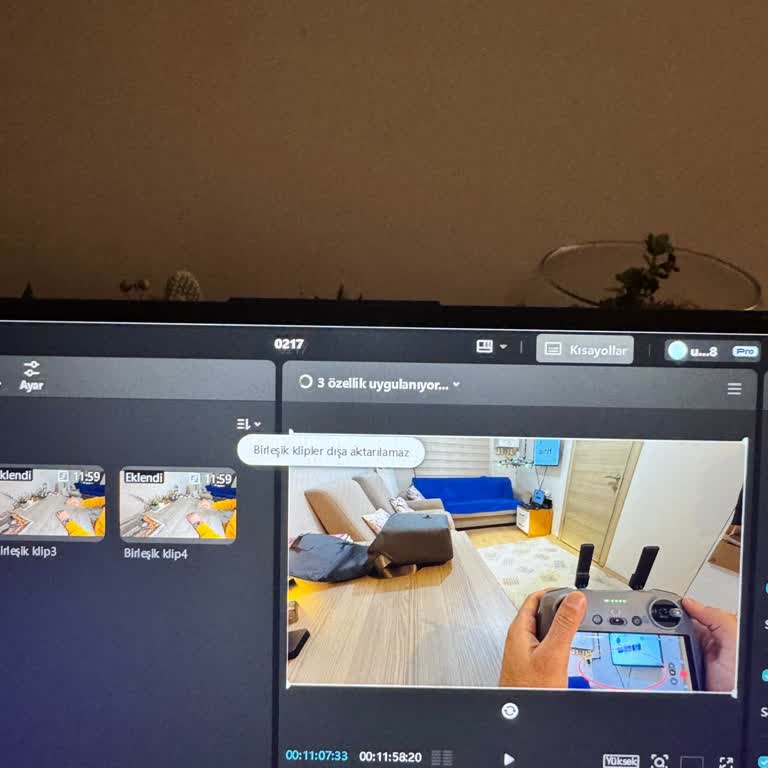
I am experiencing an issue with CapCut, where I get an error saying "merged clips cannot be exported." I recently purcha...

CapCut Won’t Export Merged Clips – How Can I Fix This?