I recently switched to a new phone and realized that some contacts are missing from my WhatsApp list. What could be the reason?
15 Views
If you just got a new phone and noticed that some contacts are missing from your WhatsApp list, it could be because:
• Country Code Not Found:
If you lose your country code when you switch phones or numbers, contacts may not show up on WhatsApp. You might not have to worry about this if you and the contact live in the same country.
• The person's phone number has changed:
People may not be able to be reached if they change their phone number and don't update their WhatsApp contact information. This could make the contact show up and then disappear from your list.
• Issues with Permission:
Android and iOS users often have trouble with permission grants. If your contacts aren't showing up in WhatsApp, make sure you've given the app permission to access your contacts on your new phone.
For the missing contacts, check the country code and make sure it's entered correctly. If someone you know has a new phone number, ask them to change it on WhatsApp so that all of your information is correct. Check your new phone's app permissions to make sure WhatsApp can see your contacts.
We're here to assist, and your comments help us serve you better.
I recently purchased a Xiaomi Redmi Note 14 and have been trying to set up WhatsApp on my new phone, but for the past da...y I keep receiving the error “waiting for device during setup.” I have already tried all the basic troubleshooting steps, including uninstalling and reinstalling the app, restartin
I’m experiencing a very frustrating issue with the latest version of WhatsApp. My contacts appear correctly in my phone’...s regular address book, but when I open WhatsApp, the names are completely mixed up or assigned incorrectly. For example, someone saved as “A****” in my contacts shows up as anothe
After switching to a new phone, I installed WhatsApp and completed the backup restore process as usual. But shortly afte...rward, my contacts became a complete mess. Names got mixed up, and multiple numbers appeared under the same contact—even when they were unrelated. It was confusing and frustrating,
I’m experiencing a frustrating issue with WhatsApp: even though my contacts are saved in my phone’s address book, they a...ren’t showing up properly in WhatsApp. They can't see my status, and in some cases, I can’t see their profiles either. I’ve tried deleting and re-saving their numbers, but nothing
I had an old Samsung phone with very little storage space. My Google storage had about 1 GB left, but WhatsApp backups a...nd Google Photos backups were always enabled. In the last week or at most a month, I think my photos were not being backed up, probably due to insufficient storage. Then, I changed
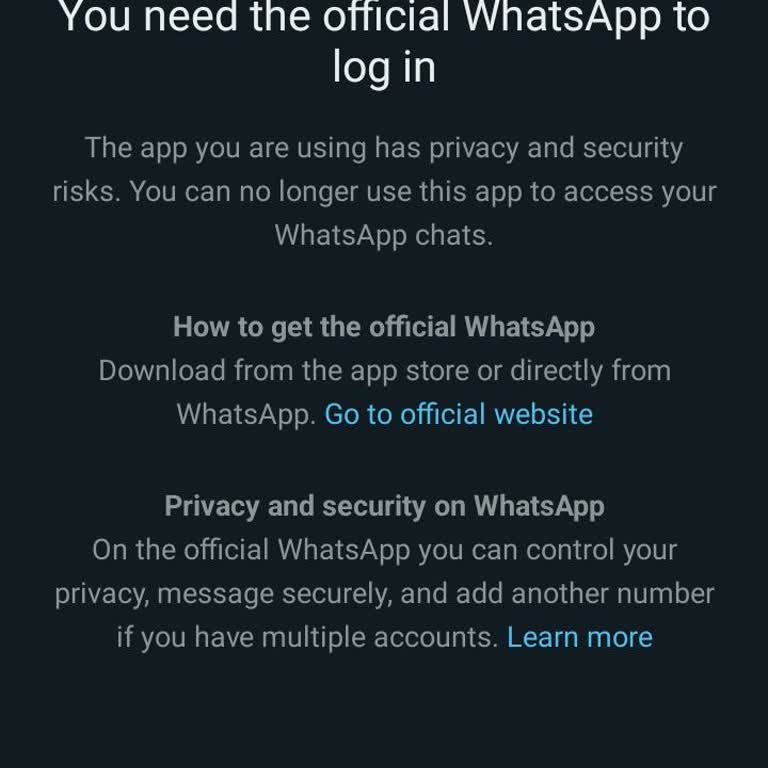
I can't access my WhatsApp account on my new device. I tried several times but no results. They are instead referring me... to download the official WhatsApp yet am already using the official WhatsApp. This is becoming irritating and there's so much data I need urgently. When I try logging in with anot