I Can’t Enable 120 FPS in Mobile Legends on My Xiaomi Poco F7

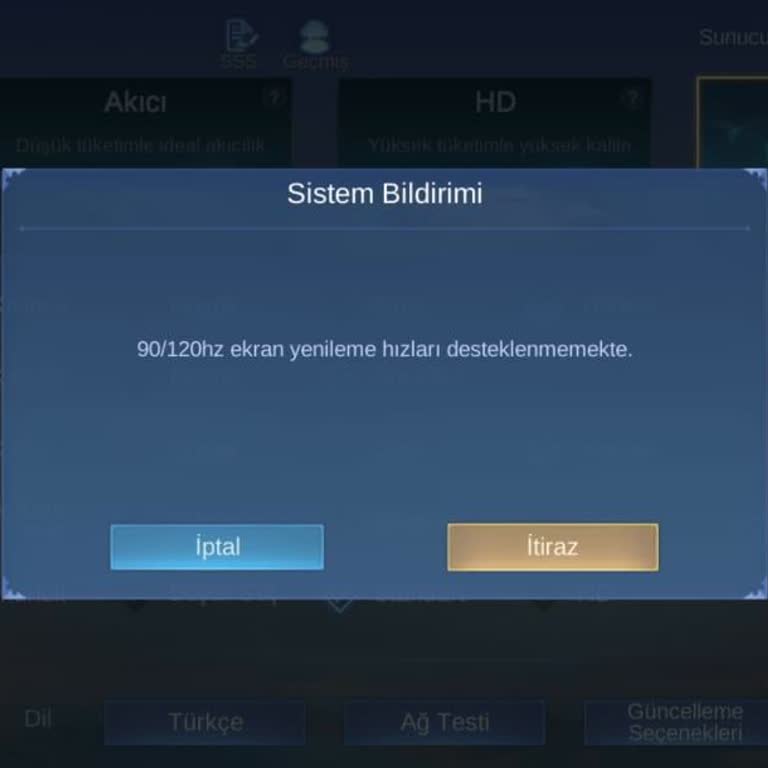
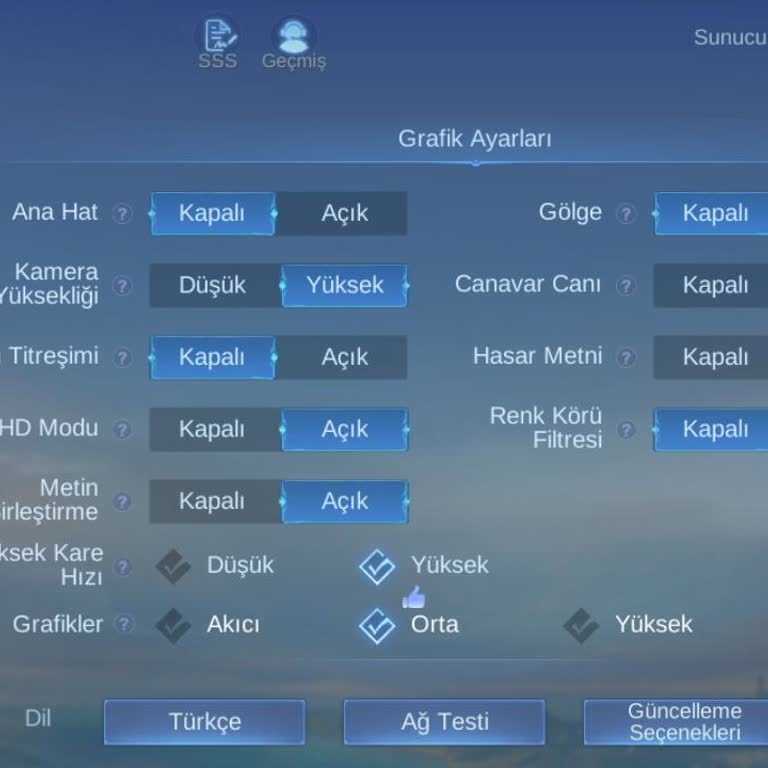
I play Mobile Legends on my Xiaomi Poco F7 using the Android platform. My device fully supports 120 FPS, yet the game does not display the 120 FPS option in the settings. I recently installed the game, and this problem occurs only with Mobile Legends—other games on my phone allow 120 FPS without any issue. My player ID is 1144415569 (4360).
I contacted Mobile Legends customer support to report this issue, but they were unable to provide a solution. My phone’s hardware clearly meets the requirements, so I see no reason for this limitation. The absence of this feature negatively impacts my gameplay experience and prevents me from using my device’s full potential.
I request that Mobile Legends enable the 120 FPS option for my account and ensure that players with compatible devices can access it. I expect this issue to be resolved promptly so I can enjoy the game at the quality my device supports.
Hello friends, I found the solution to the problem. I deleted Mobile Legends and downloaded it from Xiaomi's GetApps application, and the Ultra refresh rate appeared. For your information, do not download it from the Play Store, download it from GetApps, which is Xiaomi's own application.