I need to update my Instagram email because the one registered in the system doesn't exist, how can I confirm the change?
12 Views
Follow these measures to validate your new Instagram email address:
• Fire up Instagram and go to your account.
• Select the menu by tapping the three horizontal lines in the upper right corner.
• Follow the instructions by clicking "Settings."
• To get there, click "Account."
• Make your selection under "Email."
• Replace the old email address with the new one and click "Save."
• A verification email from Instagram will be sent to you. To confirm the update, please open this email and click the link provided. Please check your spam or junk mail folder for the confirmation email if you don't see it in your inbox. If it's still missing, Instagram's support team can help you find it.
Keep in mind that the new address must be a working one. No other Instagram accounts can be associated with the new email address. To finalize the move, you'll need to verify your new email address.
I am the rightful owner of the Instagram account with the username “Gloriieh”. I lost access to this account in October ...2017 because it is linked to an old email address and phone number that I no longer use and cannot access anymore. For this reason, I can neither log in nor recover the account thr
I am writing regarding a long‑standing problem with access to my Instagram account. For several years now I have been un...able to log in. When I try to sign in, Instagram shows that a security code has been sent to my email address, but I no longer have access to that email and I do not remember its l
On April 6, 2026, I experienced a very serious issue with Instagram. An account was created using my email address witho...ut my knowledge or consent. That account was later suspended and closed, and because of this, my personal Instagram account linked to the same email address was also disabled. At
I have been trying to close my old Instagram account with the username @volkan_**onu, which I created many years ago dur...ing my childhood, but I have been unable to do so. I no longer remember the password, and I cannot access any of the available methods required to recover or close the account. I
I have been unable to log in to my Instagram account since the daytime hours of December 9, 2025. When I try to log in t...hrough the Android app, I receive the warning: “Apparently, you're not using this email address anymore. Update email address to keep your account safe.” However, the email address
I am beyond frustrated after days of trying to get support from Instagram. My account has been hacked by malicious indiv...iduals who changed the email address linked to it, and now I can’t access it. Worse, they are using my account to deceive others in my name. Every time I try to recover it, I’m stu
My Instagram account got suspended out of the blue, and now it just shows "Complaint Help Centre" on my profile. I can't... see any of my photos or stories. I’ve never posted anything on my account that could be seen as violent, hateful, or inappropriate. The only problem is that I used the email addre
Hello, my old Instagram account was hacked back in September 2023. After gaining access, the hacker started following ra...ndom accounts, and although I was able to access the account for a while, I have now been completely locked out for a year. The account appears inactive, but no matter how hard I t
I've been having a tough time with the quality of customer service on Instagram. Some time ago, I got a sketchy link tha...t resulted in my account getting hacked. My email got hijacked by some hacker, and now I'm completely locked out of my account. Even after exhausting all my options, Instagram has
Unfortunately, my Instagram account was compromised, and the perpetrator managed to alter both my email and phone number.... I fell victim to a fraudulent account on Instagram, and unfortunately, I unknowingly clicked on a link they sent me, resulting in my account being compromised. I'm unable to log
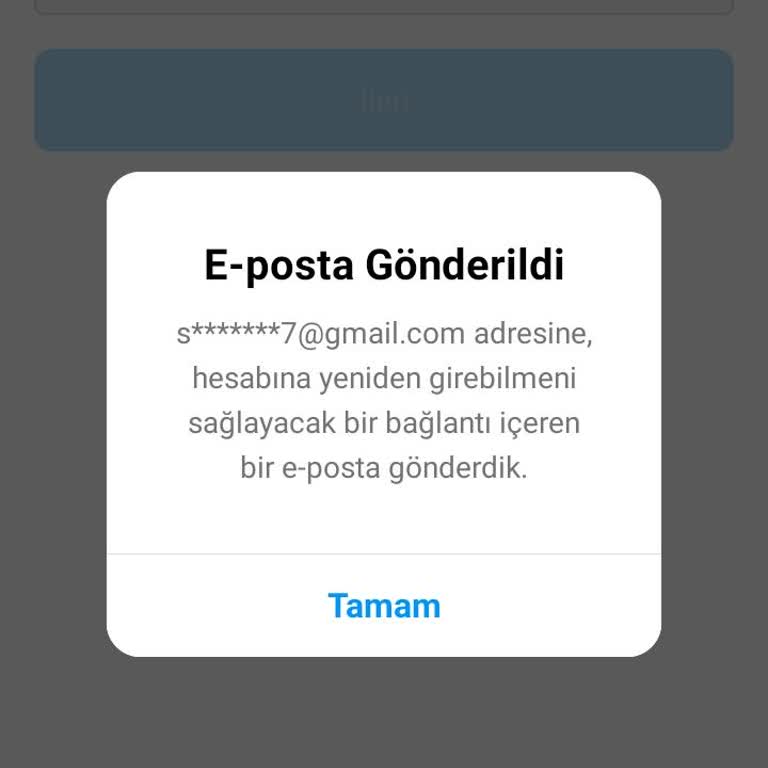
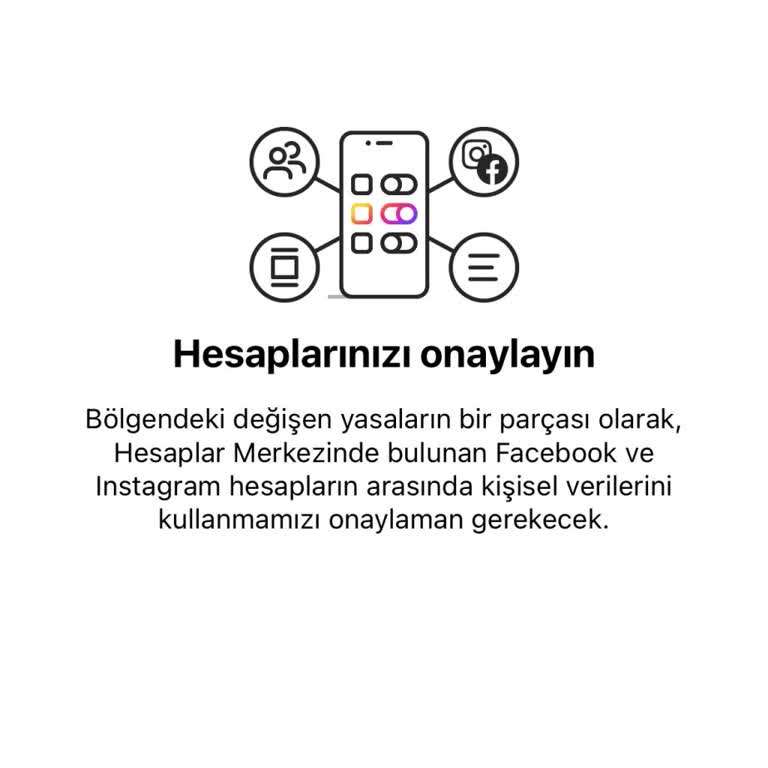
I'm unable to access Instagram at the moment. It seems to be requesting some sort of approval. Is there a possibility th...at my account has been compromised? What actions should I take? According to the latest regulations in your area, we kindly request your consent to utilise your personal data on yo
While my Facebook login was active, my Instagram account unfortunately got locked. While looking for a way to fix the pr...oblem, I understood that I had to get into my email. Unfortunately, I am unable to access my previous email account. When attempting to update my previous email address on Facebook
I can't access my Meta Instagram business account right now. I'm having trouble with my backup codes. They're not workin...g, and I can't ask for new ones. I've tried everything I can think of to get in touch, but it hasn't worked. I need new backup codes sent to my email and phone as soon as possible.