Xolvie Resolution Specialist16 Mayıs 2025 09:07
Follow a step-by-step diagnosis:
What to check:
Power indicator light
– If it’s completely off — the issue may be with the monitor itself or the power supply (if external).
– If it blinks or turns off quickly — there may be a power issue or a control board fault.
Power cord connection
– Unplug the power cord for 30 seconds, then reconnect.
– Try a different outlet or power strip (there may be an issue with your power source).
Check the video cable
– Sometimes a monitor seems “off” simply because it can’t detect a signal. Check the HDMI, DisplayPort, or VGA cable.
– Try disconnecting the video cable entirely — if the screen doesn’t show a "No Signal" message, it’s definitely a power issue.
Press and hold the power button for 15–20 seconds (with the power cable unplugged) — this performs a reset on some Dell models.
Connect the monitor to another computer or laptop — to rule out problems with your video card or cable.
❗ If your monitor is under warranty and none of the above works, 👉 submit a complaint on Xolvie 👈. This can help you get a repair or replacement, especially if the service center is delaying the process.
Vote
Related Complaints
Dell G2422HS Monitor Malfunctioned After 16 Months, No Support Provided

December 27, 2024 8:17 PM
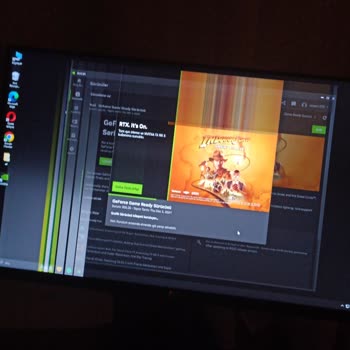
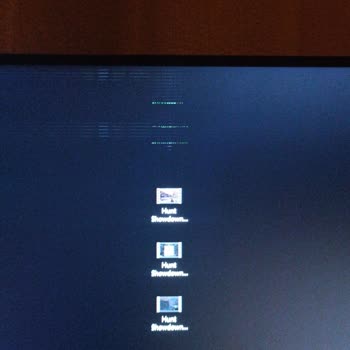
I purchased a Dell G2422HS monitor from Gaming Gen and used it for 16 months. The first issue appeared in the 4th month:... the monitor's rear panel buttons seemed to activate automatically, causing settings to pop up on the screen uncontrollably. Although it didn’t happen frequently, I managed to work
+1
Dell G2524H Monitor Has Dead Pixel – Requesting Return or Replacement

September 18, 2024 2:46 PM
Today, I purchased a Dell G2524H monitor and noticed one dead pixel in the lower-left corner. While it doesn’t disturb m...y view much right now, it’s still a defective product, and I’m concerned the issue could worsen over time. I would like to return the monitor or exchange it for the same model. I w
New Dell Monitor Showing Pixel Issues During Fast Screen Operations

April 25, 2024 9:12 PM
I recently purchased a Dell monitor that is still under warranty. However, I’ve noticed that some pixels die and then re...turn when I perform fast actions on the screen, such as rapidly opening and closing tabs. I don't believe this issue is related to my graphics card, as I use an NVIDIA GeForce RTX
Monitor Shaking Issue with the Dell S2722QC 27" 4K FreeSync Pivot IPS

October 18, 2023 10:35 AM
In May 2022, we purchased a total of 12 monitors for our company from Vatan Bilgisayar, the Dell model being Dell 27"" S...2722QC 4Ms 75Hz UHD 4K IPS Free-Sync Pivot Type-C. After one week, the monitors started experiencing a shaking issue. Among the 10 users, 2 are on Mac, and 2 are on Windows comput

Dell
View All Complaints