BitMart failed to deposit my USDT transfer from Binance, how can I resolve this issue?
7 Views
If your USDT transfer from Binance to BitMart hasn't appeared in your account, start by confirming that the transaction was successful on the blockchain.
Ensure that the USDT was sent to the correct BitMart deposit address and that the chosen network (e.g., ERC20, TRC20) matches BitMart's supported networks.
If the transaction details are accurate, consider potential delays due to network congestion or maintenance activities on BitMart. For instance, there have been instances where USDT-TRC20 deposits experienced delays due to increased website traffic.
If the issue persists, contact BitMart's customer support promptly. Provide them with your account details, transaction ID (TXID), and any relevant screenshots. You can submit a support request through their Help Center or email [email protected].
If none of the above solutions work, please feel free to share your experience. You can also file a complaint on our website.
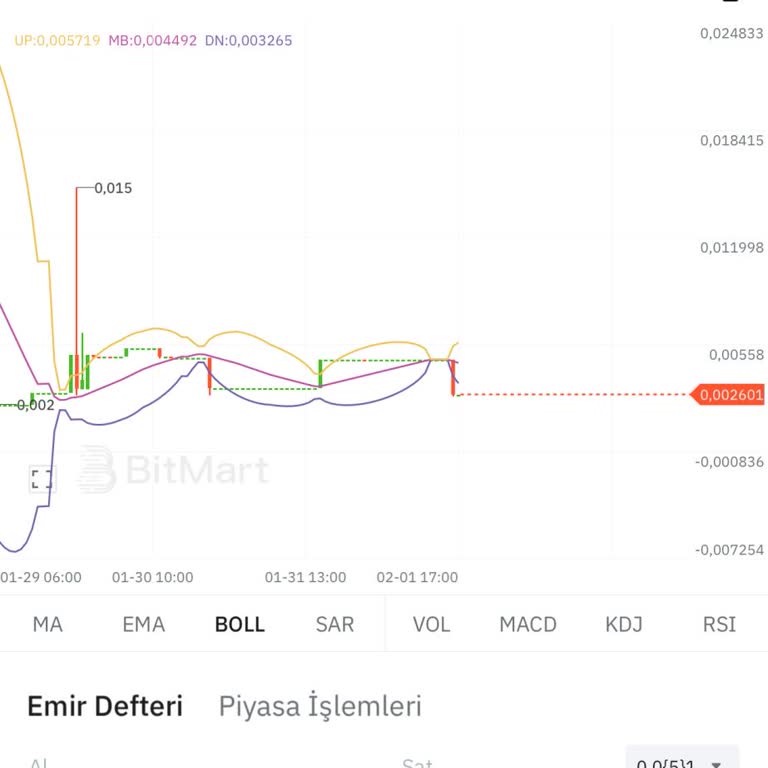
I had a terrible experience with BitMart—they took my money right before my eyes. When I tried to sell my coin, I clicke...d multiple times, yet the order never executed. Instead, I kept getting the "order created" message over and over. Meanwhile, the coin's value kept dropping, leading to a significa
On December 2, 2024, I transferred 108,520,180.5 Neuton tokens from Bitmart to Mexc. Since the memo field was marked as ...optional, I left it blank. However, the tokens never appeared in my Mexc account. After contacting Mexc support, I was informed on December 12, 2024, that the tokens had been retu