Xolvie Resolution Specialist9 Nisan 2026 10:29
Viber crashes or won’t open are usually caused by corrupted cache, outdated app versions, or device/software conflicts, so you need to fix the root cause step by step.
Start with quick fixes: restart your phone, check your internet, and update Viber to the latest version, since temporary glitches and outdated builds are common triggers.
If that doesn’t work, go to your app settings and clear Viber’s cache (and data if needed), because corrupted files are one of the main reasons the app freezes or crashes.
Also make sure your phone has enough storage and is updated, since low memory or old OS versions can cause apps to crash repeatedly.
If the issue continues, uninstall and reinstall Viber to reset everything completely, and check that permissions (notifications, contacts, network) are enabled.
These are key methods that we can offer. If you have more, please share.
Vote
Related Complaints
Viber Not Working on Tecno Spark 7—App Won’t Open

February 20 9:46 PM
For about two months, the Viber app has not been working on my Tecno Spark 7 device. I tried uninstalling and reinstalli...ng the app, but the issue persists and I am unable to use it. I request that the necessary software updates be applied to my device so that the Viber app can run properly, and tha
Viber Not Working on Android 15—No Internet Connection Error

July 9, 2025 9:28 AM
I installed the Viber app on my new phone running Android 15, but it keeps saying there is no internet connection. Even ...though I have configured all the settings on my phone, I still cannot access the app. I have contacted support multiple times, but the only response I received was to wait a few d
Viber Won’t Open on My Phone—“No Service” Error for 10 Days

February 14, 2025 9:08 PM
I downloaded Viber on my phone, but it won’t open. Every time I try to access the app, I get an error saying “No Service...” and a message telling me to try again in a day. However, I’ve been waiting for 10 days, and the issue still hasn’t been fixed. I have tried reinstalling the app, restarting my p
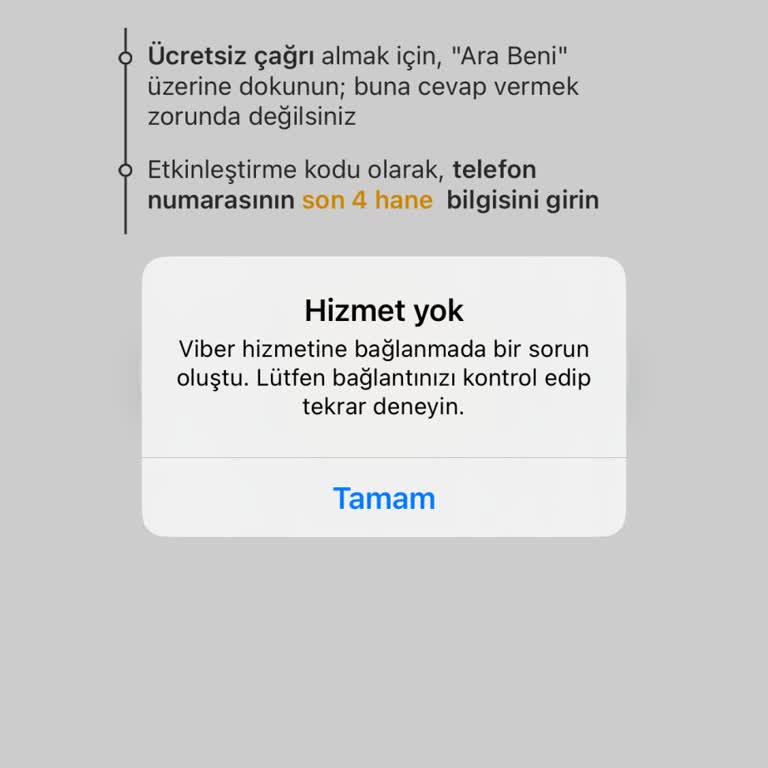
Viber Not Working—“No Service” Error for 15 Days, Need a Solution

February 9, 2025 5:23 PM
I downloaded Viber on my phone, but it won’t open at all. Every time I try to use it, I get an error saying “No Service”... and a message telling me to try again in a day. However, it has now been 15 days, and the issue still hasn’t been resolved. I have tried reinstalling the app, restarting my phone

Viber
View All Complaints