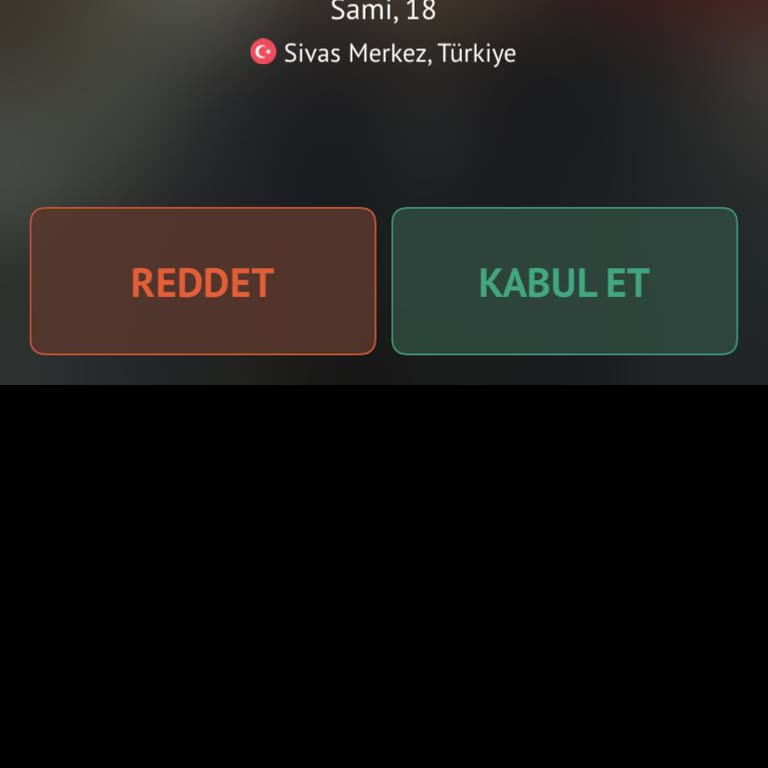
Omegle Live Chat Missing Accept and Decline Buttons

March 5 10:19 PM1,246

I would like to report an issue I’ve been experiencing with the Omegle app over the past few days. After deleting and reinstalling the app, I noticed that the “accept” and “decline” buttons that used to appear in the live chat section are no longer visible. Since these buttons are completely missing from the live chat screen, I can no longer use the app as I did before.

I request that the “accept / decline” buttons in the Omegle live chat section be restored and that my account/app functionality be returned to its normal state.

Comments

Similar Complaints

I Can’t Get My Camera to Work on Omegle App on iPhone 12 Pro

April 3, 2025 2:59 PM574

I’ve been trying to use Omegle on my iPhone 12 Pro, but the camera simply won’t turn on no matter what I do. I’ve uninst...

I Can’t Get My Camera to Work on Omegle App on iPhone 12 Pro

Omegle VIP Membership Not Working On iPhone After Ban Removal

September 23, 2025 4:42 PM728

I was using the Omegle app on my iPhone (iOS 18), downloaded from the App Store. Through the app, I purchased a VIP memb...

1

Omegle Camera Not Working – Unable to Use the App Properly

March 17, 2025 10:00 PM733

Dear Omegle Support Team, I am experiencing a major issue with Omegle—my camera no longer turns on when I enter the app...

Omegle Camera Not Working – Unable to Use the App Properly