Xolvie Resolution SpecialistNovember 28, 2023 9:16 AM
There are other ways to access Netflix if your remote control doesn't have a designated Netflix button:
• Make use of your streaming device's or smart TV's voice control capabilities. To open Netflix directly, press the voice control button and say "Netflix" or "Open Netflix."
• Use your smartphone or tablet to operate the Netflix app on your television. Get the Netflix app on your phone, link your TV and phone to the same Wi-Fi network, and use Netflix on your phone to stream content to your TV.
• Use a universal remote control to access menus and launch apps, such as Netflix, if your TV is equipped with HDMI-CEC support. Check to see if the remote can launch apps directly and program it to operate your TV.
• Link your TV to an external streaming device. For convenient app access, these devices frequently have dedicated Netflix buttons on their remote controls.
• Using specific buttons on the remote control or the TV itself, some TVs provide direct access to external inputs. Look up the correct input selection button on your TV by consulting the manual or doing an internet search.
If you've found these suggestions useful, consider leaving a comment to let us know.
Vote
Related Complaints
Netflix Blocks Old Model TVs

May 5, 2024 1:53 PM
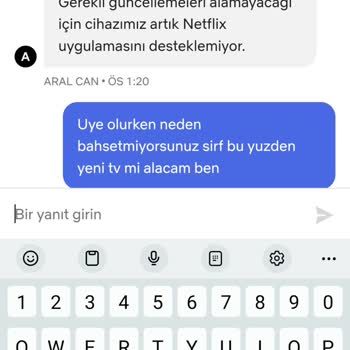
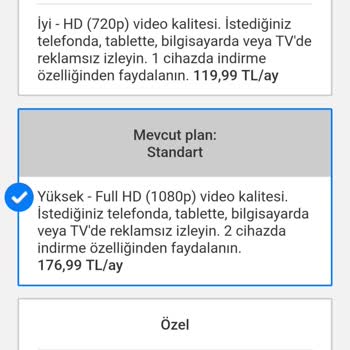
I signed up for Netflix on April 25, 2024, to watch shows and movies at home. However, on May 2, I encountered an error ...message informing me that devices from 2013 are no longer compatible. I reached out to support in order to address the problem, and they recommended buying a new device to keep enj

Netflix
View All Complaints