My League of Legends account is linked to an email address I no longer use, how can I change my email address?
592 Views
To change the email address associated with a League of Legends account, the player can follow these steps:
- Log in to the Riot Games account: Log in to the official account management page at account.riotgames.com.
- Modify the email: Once inside, in the personal information section, locate the email section and click on “Change email”.
- Enter the new e-mail address: Type the new email address in the appropriate fields and confirm the action by entering the current account password.
- Verify the new email: Riot Games will send a confirmation message to the new e-mail address. It is necessary to open the confirmation email and follow the instructions to complete the verification.
If the player is unable to access the original email address and is having difficulty changing it, it is advisable to contact Riot Games support at support-leagueoflegends.riotgames.com and submit a detailed request explaining the situation.
Maintaining an up-to-date email address is essential to receive important notifications and ensure account security. These are key solutions we can offer. If you have more, please share them.
I have been actively playing League of Legends on the Turkish server for about 10 years, and I am the only owner of my a...ccount with the in-game name “wuthrad#0042”. Despite this, for about the last 5 months, I have been regularly opening tickets to Riot Support to have the e‑mail address registered
My League of Legends account was hacked about 9 months to a year ago. At that time, my computer was infected with a viru...s, and my password was stolen. I no longer have access to my old email address ([email protected]**), so I can’t change my password or log into my account. My username is karakedi58, a
I have been playing League of Legends on PC, but for the last 3 days I have not been able to log into my account. Every ...time I try, I get the error message: “Your login credentials do not match our system.” I already tried all solutions including password reset, but I still cannot access my account
On September 17, 2025, I tried to log into my League of Legends account “prensmarul” on the TR server. Even though I ent...ered my correct username and password, I got the error message: “The information does not match our system.” Before this, I had always been able to log in without any issues. My r
I have been playing on my League of Legends TR server account since 2019, but for the past two days I have been unable t...o log in because I am not receiving the required verification email. Despite trying multiple times from different devices and at different times, no verification code has arrived i
My League of Legends account has been stolen, and I can’t access it because I no longer remember the old email address i...t was linked to. It’s been years since I set it up. However, I recently purchased a new skin and can provide details about that purchase to prove ownership. Despite this, there see
I forgot my League of Legends account's email password, and now I cannot change my account password at all! Even as I'm ...writing this, I can see unknown individuals regularly logging in and out of my account. This is a complete security nightmare. I've created countless support tickets and used the
Approximately 8-9 years ago, a friend quit League of Legends and gave me their account. I was drawn to it because it had... a large number of skins and champions. Since they stopped playing, I naturally took over all the account details, including the email and password, putting them under my name. Las
An unexpected name change occurred on my League of Legends account, and I was forced to assign a random new username jus...t to continue playing. I never intended to make this change and now I want to correct it immediately. However, when I try to update my Riot account settings, the system sends a ver
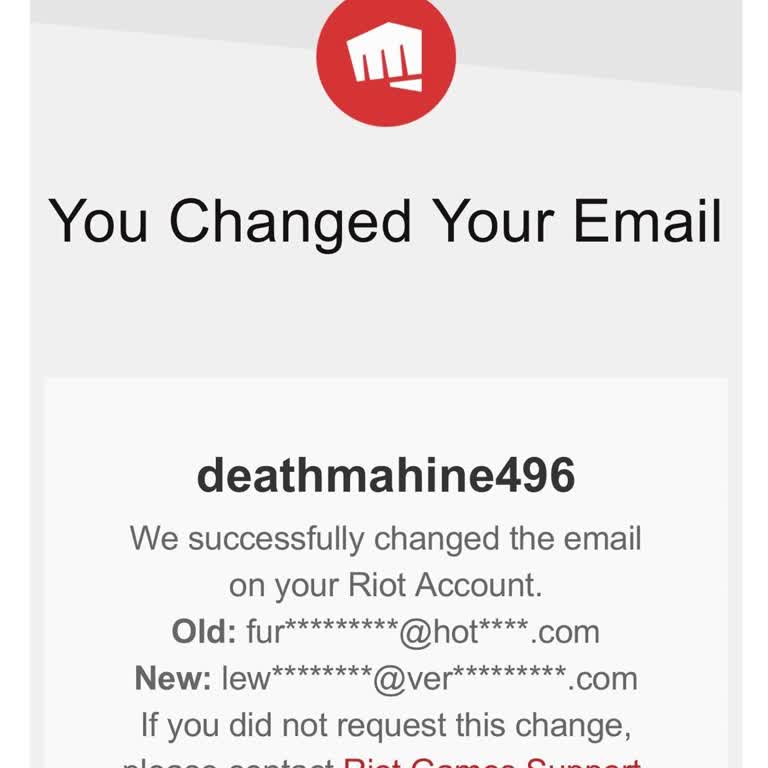
My League of Legends account’s email was changed without my consent, and it was done from the United States, even though... I never authorized it. Not only that, but both of my LoL accounts and my Valorant account were stolen. I immediately submitted a support ticket, but I am still waiting for a resp
My League of Legends account was hacked after my PC got infected with a virus. To protect my account, I had it closed. N...ow, I want to reopen it, but when I reached out to support, they asked for specific information that I don’t fully remember. They requested the original email tied to the account,
My League of Legends account was hacked, even though I’ve never shared my login details with anyone. The hacker logged i...nto my account, played matches, changed my in-game name, and replaced my linked Gmail account. They also claimed the rewards and transferred my account from the TR server to the ME