Hostinger's corporate email service is unresponsive, how can I reach customer support quickly?
7 Views
The 24/7 live chat option is the fastest way to contact Hostinger's support staff if their corporate email service is not working.
To speak with a member of the Customer Success Team directly, sign into your Hostinger account, go to the Help Center, and click the chat icon.
For technical problems, this is typically the quickest way to receive real-time support.
In contrast to live chat, response times may be slower when you contact Hostinger at [email protected]. Provide a thorough explanation of the problem, including any troubleshooting procedures you've already performed, error messages, and impacted email accounts.
Consider elevating the matter by contacting Hostinger through their official social media accounts, such Facebook or X, if these approaches are unsuccessful.
In order to preserve their reputation, businesses frequently give priority to responses on open forums. To speed up help, make sure your message is clear and professional.
These are key solutions that we can offer. If you have more, please share.
On February 16, 2026, when I tried to log in to my Hostinger account from the USA, your system suddenly classified me as... a threat and required a verification code sent to my email. However, the email address that the code is being sent to is inside the same locked account, so I have been completely
Baby Community - Bebek Forum: I'm the administrator of https://www.bebekforum.net.tr/. I purchased a Corporate email sys...tem from Hostinger Hosting company. I haven't been able to run the corporate email system for a long time. I couldn't find technical support. I purchased a corporate email system w
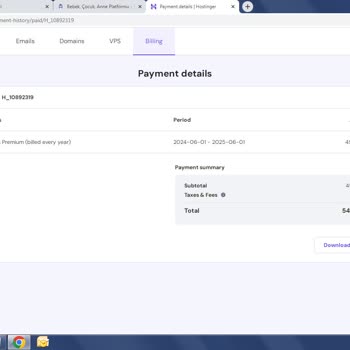
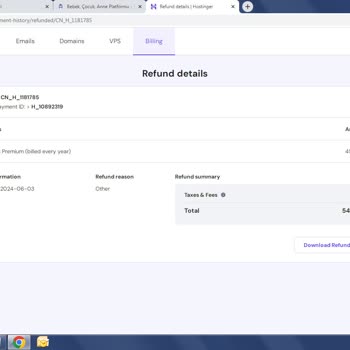
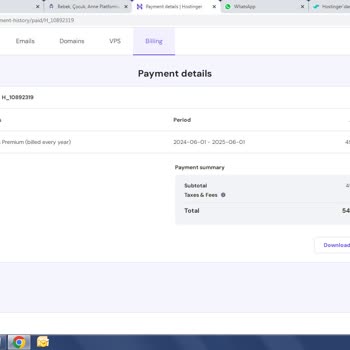
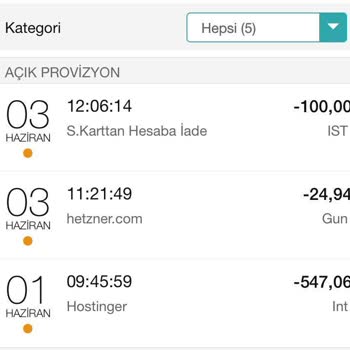
I purchased a corporate email system from Hostinger but couldn’t get it to work for a long time. I also couldn’t find an...y proper technical support to resolve the issue. Frustrated, I decided to try another international company’s corporate email service, which came with a 2-month free trial. It only
I transferred my domain to Hostinger. I had 2FA enabled on my Hostinger account, and now I can't access my email anymore.... In effect, I have been locked out from accessing my H-panel and I cannot receive any incoming emails. I have tried contacting the company's support system and requested that the