WhatsApp QR Code Is Not Showing
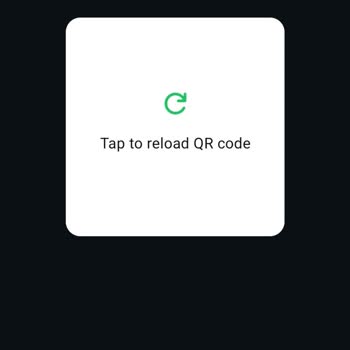

I am writing to report a problem I am experiencing with WhatsApp’s parent/guardian verification system on my Android phone. On the screen that says “Ask your parent or guardian to scan this code with their phone,” the QR code never loads properly. Instead, I only see a loading icon in the white square area, and then an error appears saying “Tap to reload QR code.” Even when I tap to reload, the QR code still does not appear. This issue started recently and has been happening continuously since then, which means I cannot complete the parent/guardian verification and therefore cannot access my account as required. I have seen that other users are experiencing the same problem, so it seems to be a general bug, not an individual device issue. Because of this, I kindly request that this bug with the parent/guardian QR code be fixed as soon as possible and that an alternative verification method be provided or my account be manually approved so that I can use WhatsApp without further interruption.