Xolvie Resolution Specialist18 Mart 2024 09:55
If you're having trouble applying a Ubisoft discount code, there are several solutions:
• Verify that you entered the discount code correctly, including uppercase and lowercase letters, numbers, and symbols. Even a minor error can break the code.
• Confirm that the discount code hasn't expired or reached its usage limit. Check the terms and conditions where you received the code or Ubisoft's website for validity. Some codes have timeframes or game restrictions.
• Check whether the discount code applies to the game or product you're buying. Some Ubisoft Store discount codes are specific to games, pre-orders, or other categories.
• If these steps don't work, check Ubisoft Store's website or support channels for discount code troubleshooting. If you still can't fix it, contact Ubisoft Support. They can offer customized troubleshooting based on your situation and discount code.
Have more to contribute? We'd love to hear from you in the comments.
Vote
Related Complaints
Ubisoft Store Won’t Let Me Buy a Game—Can’t Enter Payment Info or Complete Purchase

December 26, 2024 6:32 PM
I’m trying to buy a game from Ubisoft, but I keep running into errors. The store won’t even let me enter my card details..., and no matter what I try, I can’t complete my purchase. I attempted to buy the game through Ubisoft Connect, but the issue persists. There’s no clear reason why this is happenin
Unable to Make Purchases in Ubisoft’s For Honor Due to Persistent Error

November 21, 2024 10:28 PM
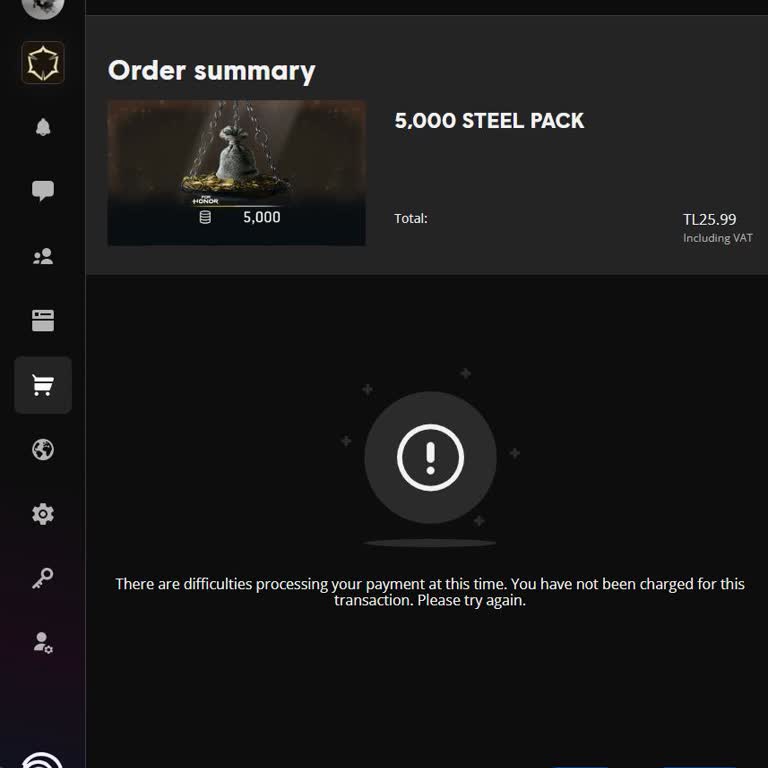
I frequently make purchases in Ubisoft's For Honor without any issues—until today. I successfully completed one transact...ion, but when I attempted to make another, I encountered a persistent error that won’t go away. I’ve tried everything: restarting my computer, waiting hours, and even troubleshooti

Ubisoft
View All Complaints