Sugo iOS Missing Withdrawal Option & Account Closure Errors

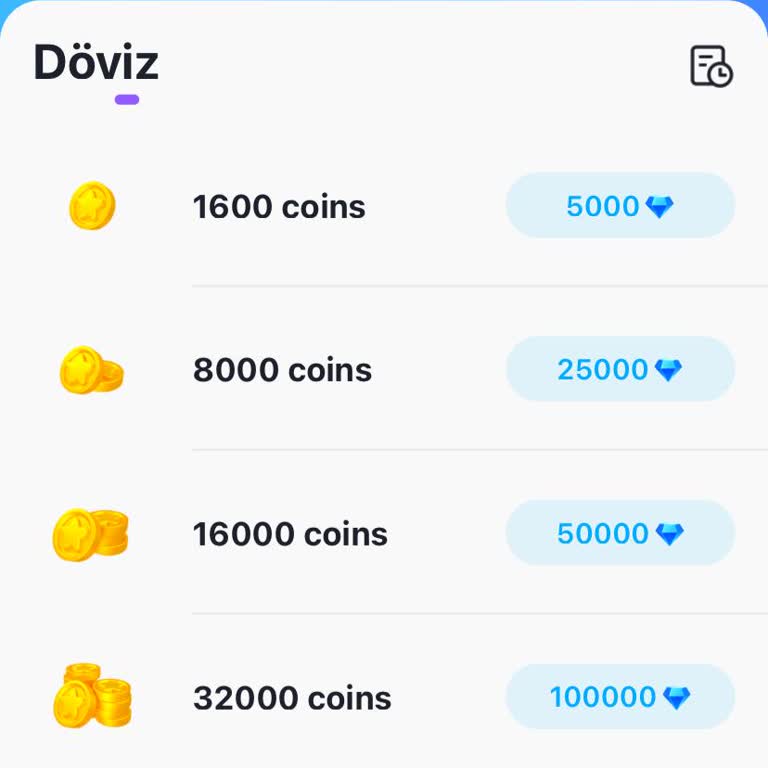
I have been using Sugo for three days, and while the app is easy to navigate, I have encountered major issues as an iOS user. First, there is no withdrawal option available for iOS. I searched everywhere in the app, but I couldn’t find any way to withdraw my funds.
Additionally, when I try to close my account, I keep receiving a data error message, preventing me from deleting my profile. This is extremely frustrating, and I need a solution as soon as possible. Sugo must address these issues for iOS users immediately. Please fix the withdrawal issue and ensure that users can close their accounts without errors!

Dear User h*****, First of all, we would like to express our regret for the situation you have experienced. Your related complaint has been taken into consideration by us, and I have immediately initiated the process to take the necessary actions. You can be sure that once our checks are completed, we will provide you with fast, accurate, and solution-oriented support as soon as possible. We are always here to serve you better. Best regards, Sugo Support Team
H***** Dear User, First of all, we would like to express our regret for the situation you have experienced. In order to resolve your complaint as soon as possible and to provide you with quick support, we have a small request so that we can check your relevant transactions: If you remember, could you share with us information such as your Sugo ID number or the email address or phone number associated with your account? After receiving this information, we will carefully review the process and get back to you as soon as possible. Thank you for your interest and understanding. Please know that we are always here for you. Best regards, Sugo Support Team
Dear User h*****, First of all, we would like to express our regret upon learning that you wish to delete your Sugo account. To delete your account, please follow the steps below: ✅ Log in to the app. ✅ Go to the Settings menu. ✅ Then select the Account and Security option. ✅ Click on the Delete Account option here. ✅ On the screen that appears, type “delete” to confirm the process. When you follow these steps, your account will be permanently deleted from the system. If you still experience a technical problem, please contact us with your Sugo ID number, registered email, or phone information. Our support team will assist you as soon as possible. We would be happy to welcome you back in the future. Thank you for your interest and understanding. Best regards, Sugo Support Team