Getcontact Verification Screen Shows No SMS or Call Options on Samsung A52s
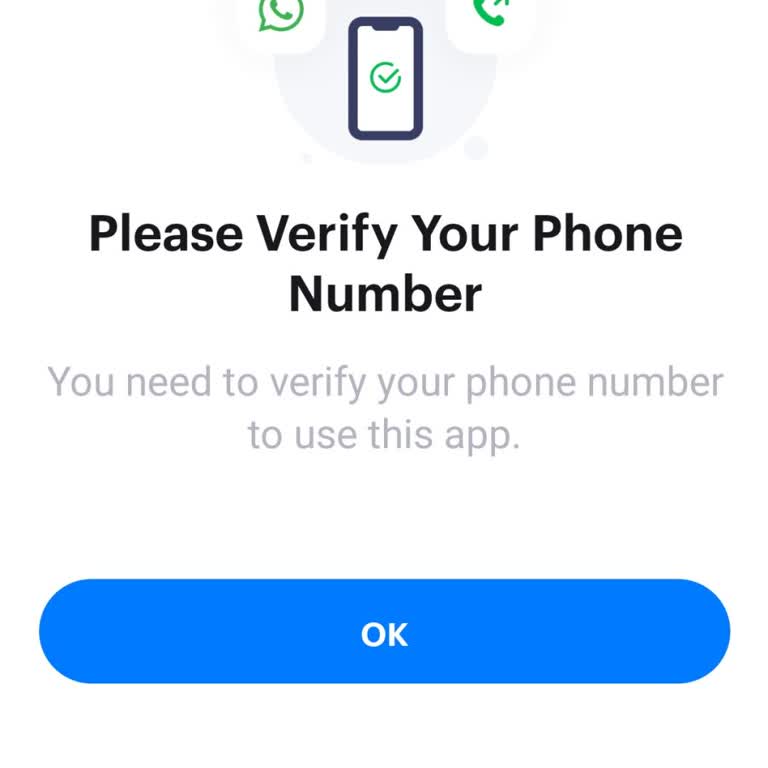

I am using a Samsung A52s phone and recently installed the Getcontact application to create a new account. After I enter my phone number and proceed, the application moves to the verification step but no options appear on the screen. On the verification screen, there is no choice at all for receiving a code, such as SMS or call, and the screen remains completely empty for any verification method. Because of this, I cannot complete the verification and I am unable to create or use my new Getcontact account. This issue has been happening since the first time I installed the application and has continued every time I try again. I request that this verification problem be examined and fixed so that the verification options appear on my screen and I can successfully create and use my Getcontact account on my Samsung A52s.