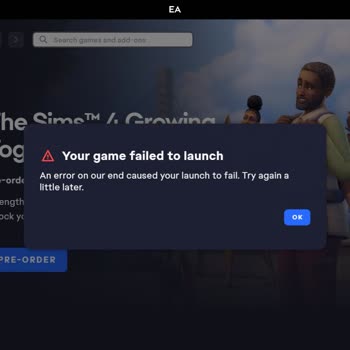
I just started playing EA Sports FIFA and get an error message about server connection.How can I fix it?
24 Views
If you're having trouble connecting to the server in EA Sports FIFA, try these simple fixes first:
• Take your modem, router, and console off the wall. Wait about two minutes, then plug in your modem and router. Give them a full minute to connect before plugging in your console and turning it on.
• Make sure your internet connection is stable and working right by checking it. Turn your router and modem back on, and then use an online speed test to see how fast your internet is. Talk to your internet service provider if your speed is slow.
• Next, go to the EA Help website and check the status of the EA Sports server. If trouble with the servers is known, you'll have to wait until EA fixes them. Check EA Sports' social media to find out if servers are going down for maintenance or outages.
• Close the game and start it up again to restart your device and game. If you're playing on a console, turn it off and on again. For PC gamers, turn your computer off and on again.
• Make sure you have the most recent updates for your games and that your console or PC's system are up to date. You might want to turn off your security software for a while because it could be getting in the way of your online connections.
If you appreciate these tips, feel free to share your thoughts in the comments.
I am having a serious problem with EA FC 26 Pro Clubs on my PS5. For the last few days, whenever I try to play Pro Clubs... I get an “Unable to connect to the EA servers. Please check your internet connection and try again.” error after the game checks my connection, and I cannot access Pro Clubs at al
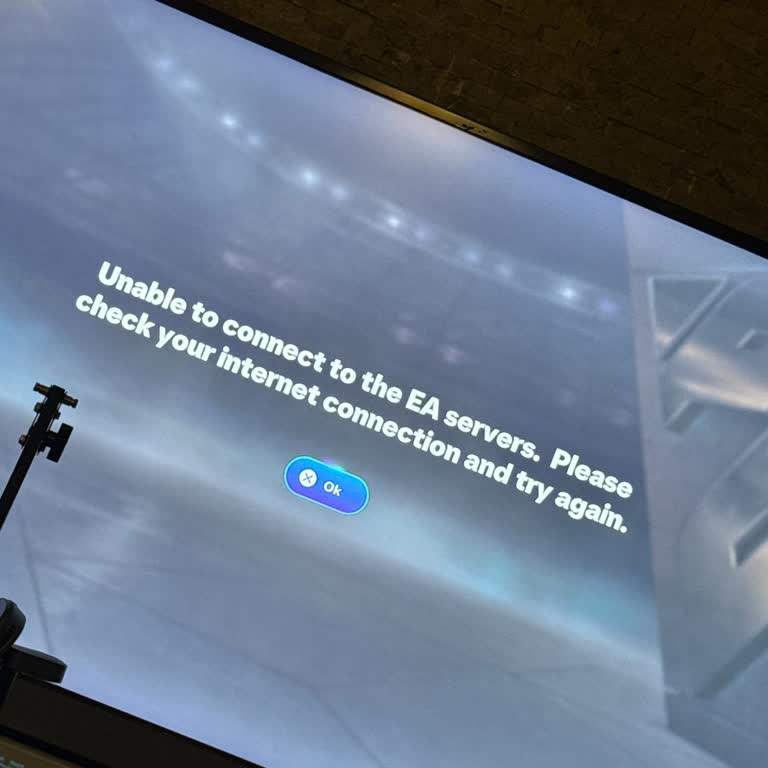
I am playing EA FC 26 on PS5 and for the last day I have been unable to access Pro Clubs because I constantly receive th...e message that it is unable to connect to the EA servers. All other game modes work normally, so this problem seems to be specific to Pro Clubs. I have already tried restarting my
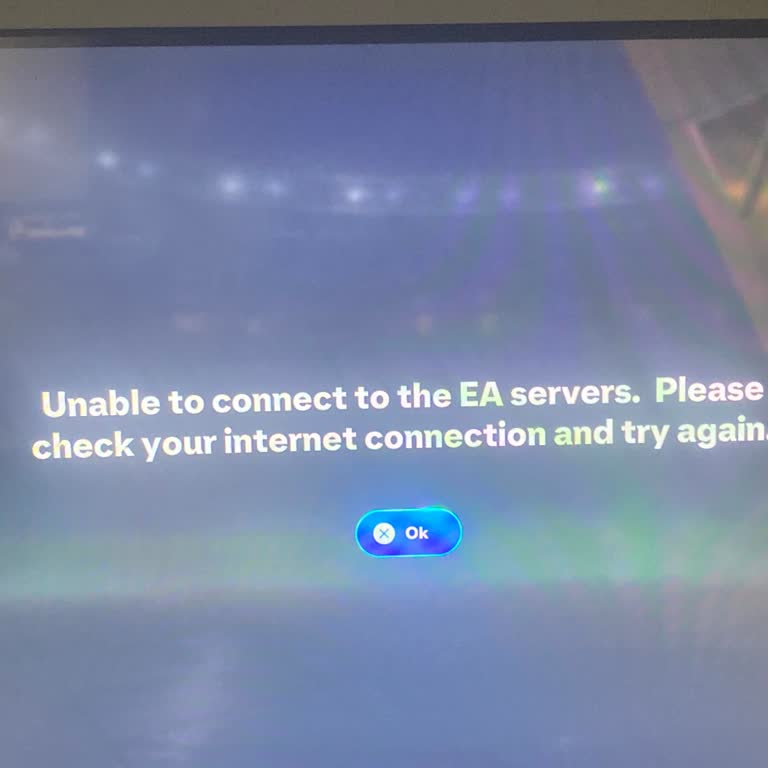
I have been unable to connect to the EA servers for two days while trying to play Clubs mode on EA FC 26 on my PlayStati...on 5. Every time I try to enter Clubs, the following error appears on the screen: “Unable to connect to the EA servers. Please check your internet connection and try again.” My int
For the past two days, while playing EA FC 26 on PlayStation 5, I have been constantly receiving the error message “Unab...le to connect to EA servers,” and I cannot access the game at all. Every time I try, I encounter the same error and cannot establish any online connection. To fix the issue, I del
For a long time, there has been a serious connection issue in one-on-one matches in the FC 26 Mobile Android version. Wh...en entering a match, players are frequently matched with opponents who have weak internet connections or extremely high ping. This disrupts the flow of the game from start to finis
For about a month, I’ve been experiencing a recurring issue while playing EA 26 on my PlayStation 5. The game keeps cras...hing with the error code CE-108255-1, and this happens only with EA 26 — all my other games run perfectly fine. I purchased the game digitally and legitimately for ₺3,600, so I ex
I’m beyond frustrated with EA Sports’ online gameplay. Every time I try to play online—whether it's Rush mode or a regul...ar match—I get the same error: “Connection to opponent lost.” It kicks me out constantly, making it impossible to enjoy any part of the game. I play on a PS5 with a stable and hig
I recently purchased a pack in FC Mobile, but I’m extremely disappointed with what followed. Although the payment went t...hrough and I was charged in full, I was only able to open three cards before the game froze and threw an error message. Since then, every time I try to continue or access the rest
For the past two days, I’ve been experiencing constant session errors when trying to access game modes in EA Sports FC 2...5 Ultimate Team. After logging in successfully, I attempt to enter any of the main modes—Rivals, Friendlies, Champions, and others—but I keep receiving an error message that says:
I’m trying to play an online friendly match with my friend in FC24, but I keep getting an error that says, “Your EA Conn...ect status is linked to your EA App status.” Even though I’m clearly online, I appear offline on my friend’s screen. I can’t send or receive match invites. This issue just started
I’m beyond frustrated with EA’s online servers constantly disconnecting me mid-game, causing an automatic forfeit. This ...keeps happening over and over, ruining my experience. I paid for a subscription expecting stable gameplay, but instead, I’m losing matches through no fault of my own. It’s infuriat
Hello everyone, I have been unable to play Division Rivals for a week. Every time I try to start a match, I get a connec...tion error, but I can still access other game modes like Draft and others without any issues. I am playing on PC, and this seems to be a persistent issue. Is anyone else experienc
Hello, I am unable to access the online features in EA FC 24 due to a recurring error message. Despite following all the... suggested troubleshooting steps, the issue has remained unresolved for months. I have also noticed that this problem affects other EA games, preventing me from using any online fu
I am frustrated with the constant internet connection warnings and excessive bugs in FC Mobile. The market is frozen, wi...th high-rated player cards priced lower than lower-rated ones, making no sense. These issues have severely diminished the game's playability, and it feels like no attention is bein
I’m experiencing a frustrating issue in EA FC 25 Ultimate Team. Whenever I try to make a player substitution, I get kick...ed out of the game with a "server error" message. This happens both on my phone and console, and I haven’t been able to make any changes to my squad. This is seriously affecting my
I've been playing Battlefield 5 by EA Sports, and I keep getting the "Online Connection Lost. Go to ea.com/unable-to-con...nect" error message. This issue is really frustrating and needs to be resolved immediately. Every time I start playing, the connection drops within 2 minutes, telling me to go onli
I'm experiencing some difficulties when trying to access Ultimate Team in FIFA 2024. I reside in Finland and do not poss...ess a modem, thus I depend on mobile data tethering for my computer. For some reason, FIFA is the only game that gives me trouble, even though my connection is flawless for everyth
I bought the FIFA 2023 PC game from Epic Games, but after a few days of playing it, it started giving me errors and even...tually stopped working altogether, giving me an error message that said "your game failed to launch." I tried all the fixes that were suggested, like installing as administrator, u