Clash of Clans keeps crashing after update, how can I fix this without losing progress?
7 Views
Close the app all the way, restart your device, make sure you have a stable internet link, and make sure you have some free space on your device. These are the first things Supercell does to fix crashes.
Before you reinstall, go to Settings and link your town to your Supercell ID. This will keep your progress safe across all of your devices. Supercell says that Supercell ID lets you load your village again at any time.
If the crashes keep happening, you should remove and restart the game and then sign in with your Supercell ID when you start it up. Supercell says that reinstalling should only be done as a last option if the game keeps crashing.
Get back into your account by going to "Help and Support" and then "Lost access to my account." If you haven't linked yet or can't load your village, follow the steps given.
If your account was linked to your Supercell ID, using that email to sign in will bring back all of your work.
If you have experienced a similar issue, please feel free to share. You can also file a complaint on Xolvie.
In Clash of Clans, my account with tag #GJ882QV0V (Town Hall level 8) encountered a problem about an hour ago. The Hunte...r Queen skin, which I purchased with the Gold Pass, has disappeared from my account. After the latest update, the skin is no longer visible. No other content is missing, and I only
I play Clash of Clans on my Apple iPhone 11, but recently I have been experiencing a constant and frustrating issue. Alm...ost every evening, when I try to log into the game, I am met with a “try again” error that prevents me from accessing my account. This has been happening consistently, and it compl
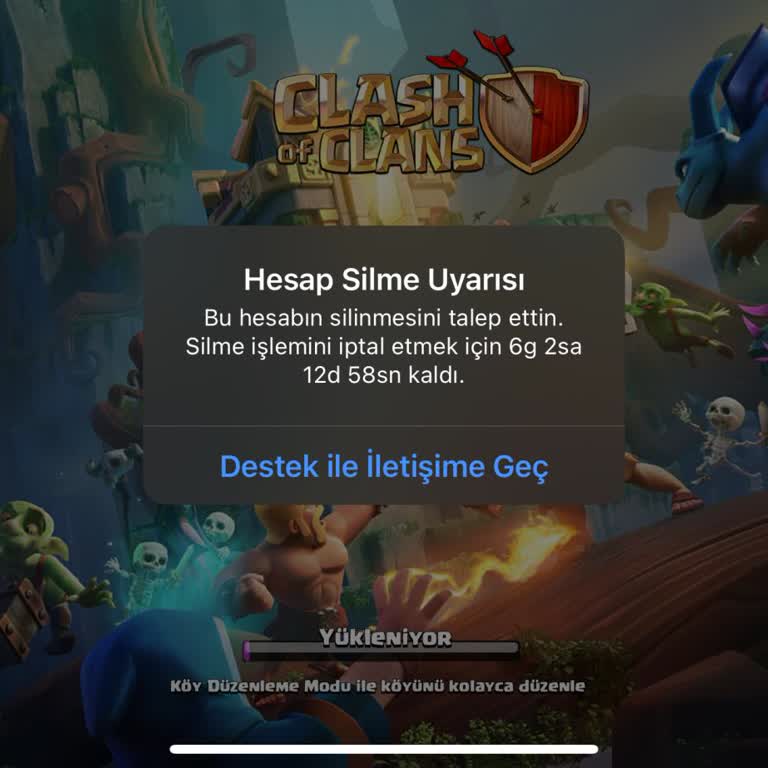
I had a couple of accounts connected to my Supercell ID in the Clash of Clans game on iOS. Upon removing one of them, th...e game refuses to launch and instead presents a "Account Deletion Warning" along with a 10-day countdown. Whenever I attempt to click on the "Contact Support" button, an error mess