Canon imageRUNNER C1538i SMB Scan to Folder Errors Frustrate Users
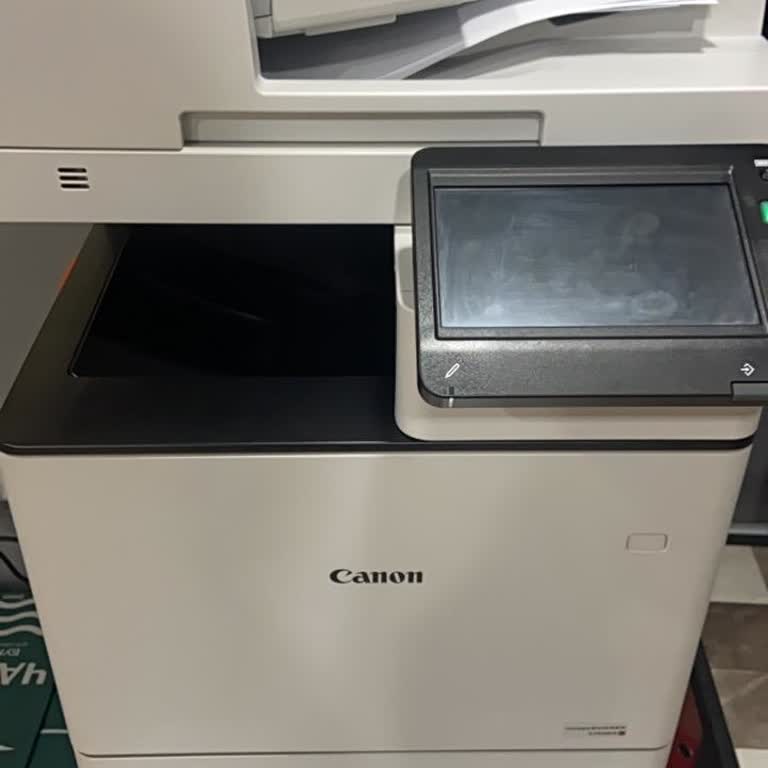

We paid approximately $1,323 last year for a Canon imageRUNNER C1538i device that we have been using for about a year. However, ever since we started using the device, we have been experiencing severe issues, particularly with scanning and sending files to computers.
The user interface of the device is quite difficult and complex to use. Navigating through multiple menus and settings is required even for a simple scanning operation. In particular, we have been unable to get the scan-to-computer or scan-to-folder (SMB) feature to work properly at all.
To resolve the issue, we reset the device back to its factory settings and checked the shared folder permissions and firewall settings on the computer side. Even though we can access the target folder on the computer from another PC and write files to it, we continuously receive errors whenever we attempt to send scans directly from the device.
One of the largest issues is the difficulty we face in reaching customer service and technical support. Despite purchasing an expensive professional device, we cannot get adequate, accessible technical support when encountering problems.
Failing to use a basic scanning function on a professional device that cost a substantial $1,323 and struggling this much to fix it is unacceptable to us.
Our expectation from Canon is the provision of accessible and effective technical support, the definitive resolution of the scanning and SMB folder transmission issue through on-site or remote assistance, and the improvement of the overall user experience of the device.
We are suffering significant hardship due to post-sales support and customer service being at this level. We demand that an authorized department review this matter immediately and offer us a permanent solution.


