BlueStacks Won’t Download Games on Windows 11 – No Install Option

profile
Çınar
August 06, 2023 7:29 pm
2

I’m trying to download Standoff 2 on BlueStacks for Windows 11, but there’s no option to install the PC version of the game. When I click “Install” on Google Play, nothing happens—it simply doesn’t download. This issue isn’t limited to just one game; no games are installing at all!

Why is this happening? What’s the point of an emulator that won’t install games? I expect an immediate fix or a clear solution to this problem. I’ve tried everything, yet BlueStacks refuses to work properly. How can I install my games? If this issue isn’t resolved soon, BlueStacks becomes completely useless. Developers, respond and fix this now!


profile-icon
To be able to comment, or .

Comments

Be the first to comment

Q&A: Explore Popular Queries

Check out the solutions and tips on this topic.

Similar Complaints

Brawl Stars Crashes or Stays on Black Screen in All Emulators

profile
Selçuk
January 06, 2024 8:51 pm
-

Gameloop Won’t Install Games, Call of Duty Mobile Update Fails Every Time

profile
Mustafa
March 29, 2025 2:55 am
11
gameloop-wont-install-games-call-of-duty-mobile-update-fails-every-time-1.jpg

Bluestacks Game Freezes During Ranked Matches, Causing Losses

profile
İbrahim
July 29, 2024 9:00 pm
-

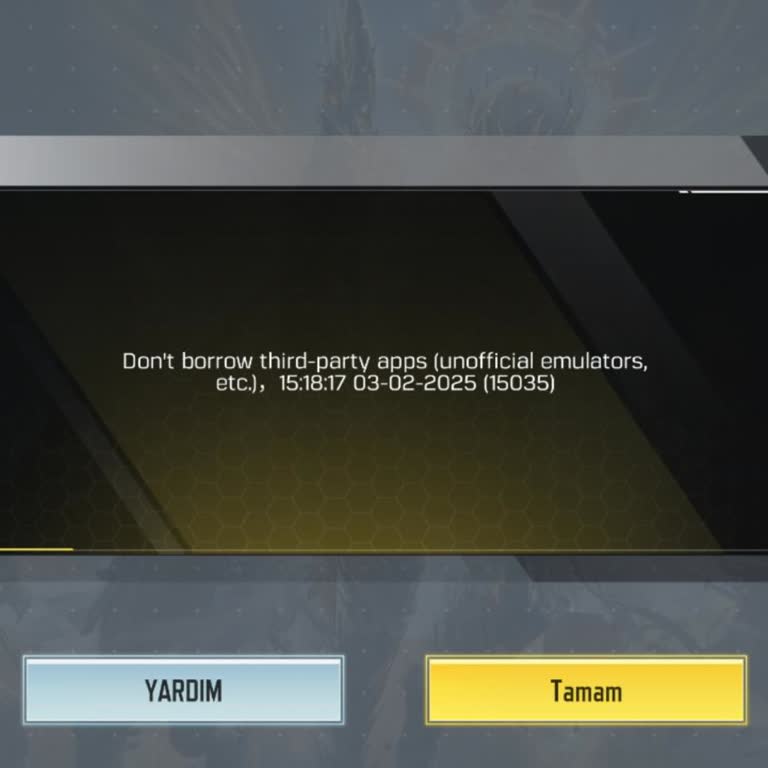
Call of Duty Mobile Emulator Error And Gameloop Crash

profile
February 03, 2025 2:15 am
6
Call of Duty Mobile Emulator Error And Gameloop Crash
call-of-duty-mobile-emulator-error-and-gameloop-crash-1.jpg
Report a Similar Issue