Xolvie Resolution Specialist9 Mart 2026 10:30
If Flex City banned your account after you topped up and you want to recover it;
Check the ban notification first;
• Try logging in → Note any message shown
• Look for:
– “Account banned”
– “Suspended”
– Error codes
• Screenshot the message
Check your email (including Spam);
• Search for:
– “Account banned”
– “Suspension”
– “Verification required”
• Screenshot any communication from Flex City
Prepare your appeal info;
• Username/email/phone number
• Date you topped up
• Screenshot of:
– Ban message
– Top-up receipt
• Brief explanation saying you did not violate terms (if true)
Contact Flex City Support;
• Use in-app support, official email, or help center
• Explain:
– Your account was banned after topping up
– You want the ban lifted
• Provide your prepared info
• Ask them to:
– Explain the reason for the ban
– Review and restore your account
Check for required verification;
• Some bans are due to:
– Unverified account
– Payment verification needed
• Complete any requested identity or payment checks
If unresolved or the ban is unjustified, consider filing a complaint on Xolvie to pursue a resolution and request refund/compensation.
Vote
Related Complaints
Flex City Account Banned Without Explanation

September 21 3:16 PM
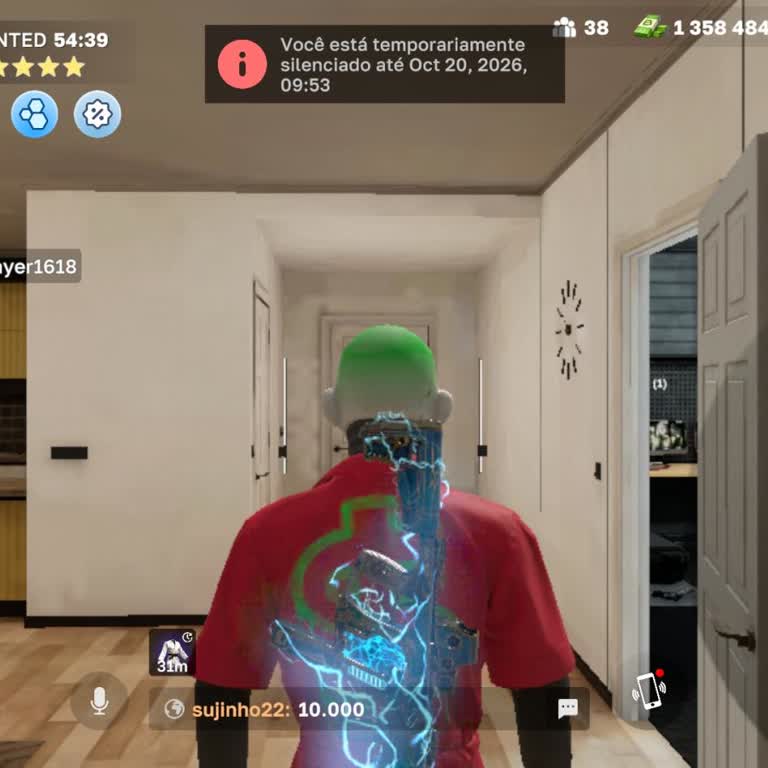
My Flex City mobile account was banned on 19 September without any reason being shown to me, and it remains banned until... today. I did not commit any irregularities or violations, and in the game there is only a generic warning message, without explaining what supposedly happened. My account ID is #9
Flex City
View All Complaints