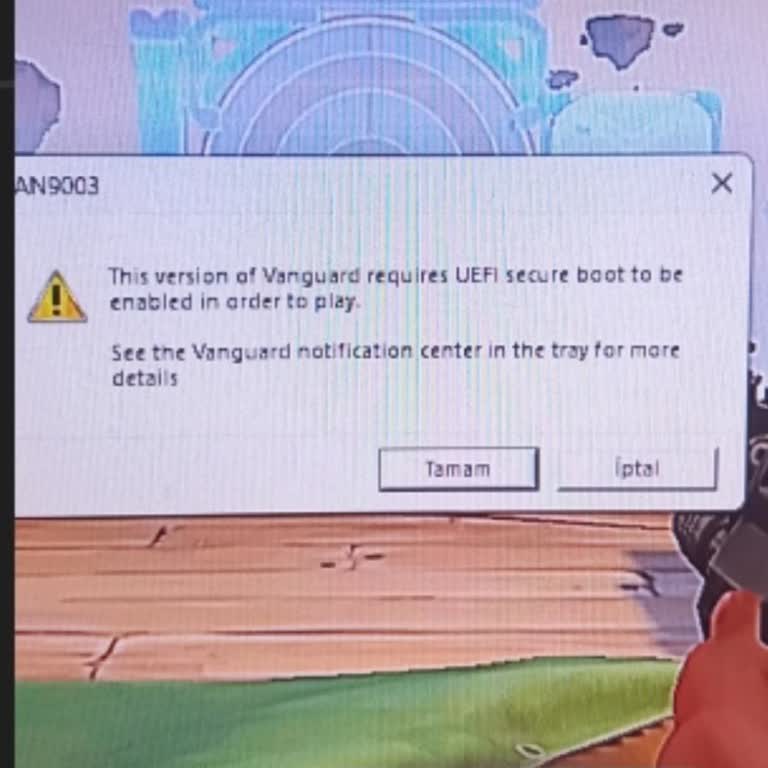
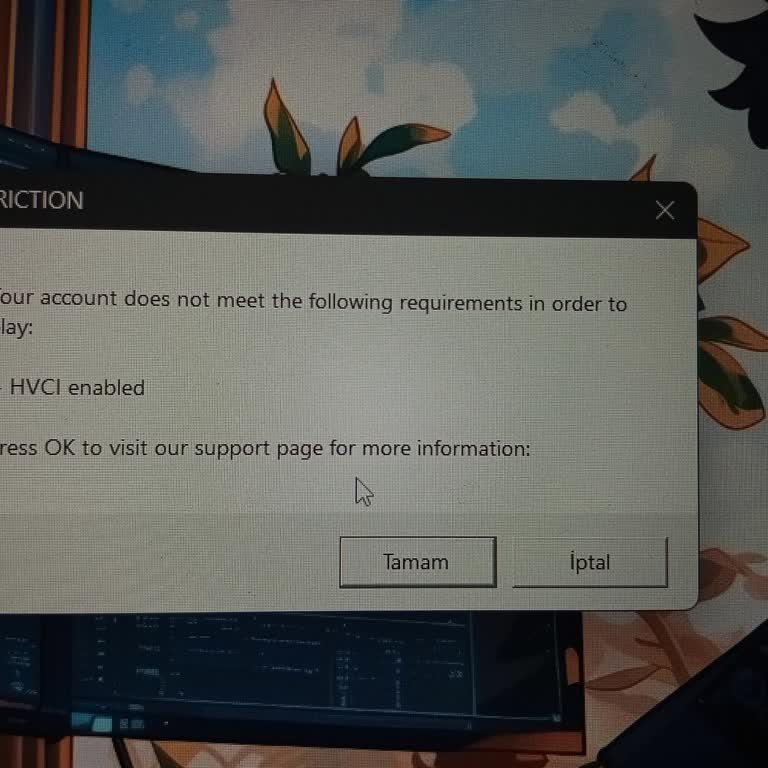
I Keep Getting Valorant 0xc0000142 Error on Windows 11 and Nothing Fixes It

I’ve been trying to play Valorant, but I keep getting the 0xc0000142 error no matter what I do. My operating system is Windows 11 Pro 64-bit, and I’ve already reinstalled the game four separate times. Each time, I made sure to completely remove all leftover files, even cleaning entries from Regedit, and tried installing it under new folder names to avoid conflicts. Despite all these steps, I’m still stuck with the same 0xc0000142 startup error.
This issue is incredibly frustrating. I’ve searched forums, tried every solution available online, and nothing works. I simply want to play the game I enjoy without having to fight constant technical issues.
I’m asking Riot to provide a definitive, working fix for this persistent launch error. Please address this and guide users like me through a reliable solution path so we can get back into the game without wasting more time troubleshooting.