Garena deleted my Free Fire Max account without explanation, how can I recover it?
111 Views

If your Free Fire Max account was deleted without explanation, please contact Garena's support team immediately to begin the recovery procedure. Log into the [Garena Free Fire Help Center](https://ffsupport.garena.com/hc/en-us) with your account credentials. Go to the "Submit a Request" section, then pick "Account Issues," and offer a thorough explanation of your condition, including your in-game name, user ID, and any relevant screenshots or transaction records.
After submitting your request, check your email and the Help Center's "My Requests" area for updates from Garena's support team. Response times may vary, so be patient throughout this procedure.
While waiting for a response, study Garena's [Account Deletion Policy](https://ffsupport.garena.com/hc/en-us/articles/4412913789978-Account-Ban) to learn about the rules and principles that govern account deletions. This understanding can help you prevent future problems and increase your appeal by displaying your dedication to fair play.
If you haven't received a suitable response within a fair timeframe, consider exploring Xolvie to read about the challenges others have faced and share your story.
Dear Garena Support Team, I would like to request your assistance in recovering my Free Fire account. My Free Fire accou...nt was linked to a Facebook account that was permanently deleted about a year ago. The game account was not connected to any other login method or recovery email, so I have complet
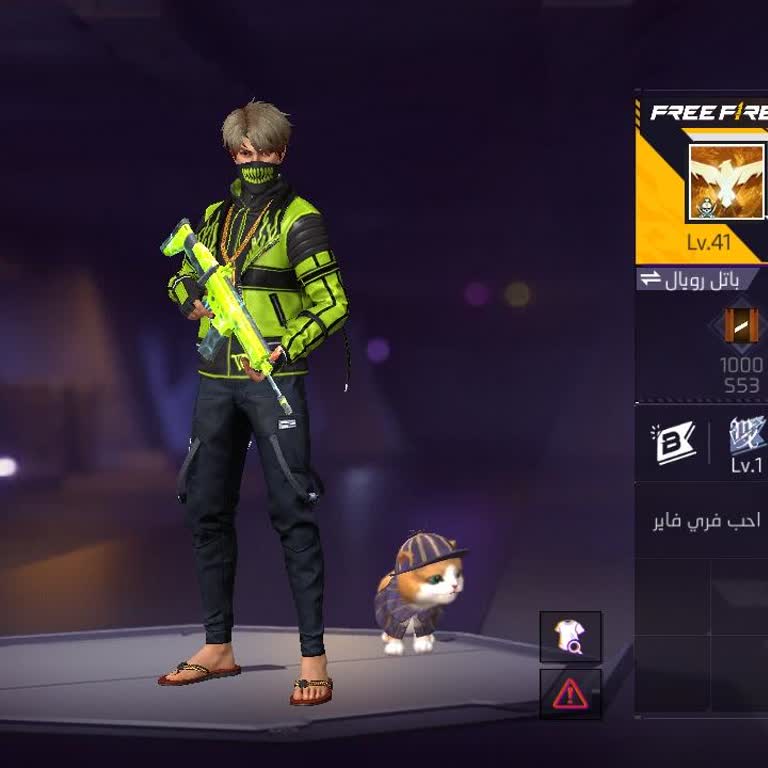
I am Free Fire player from India and my in‑game account with UID 4213079466 and old in‑game name “RED?SHORT295”, now cha...nged to “SHREYA”, was hacked in 2025 and my Facebook‑linked Free Fire account was deleted. I did not authorize any such changes and lost access to my account and all associated pro
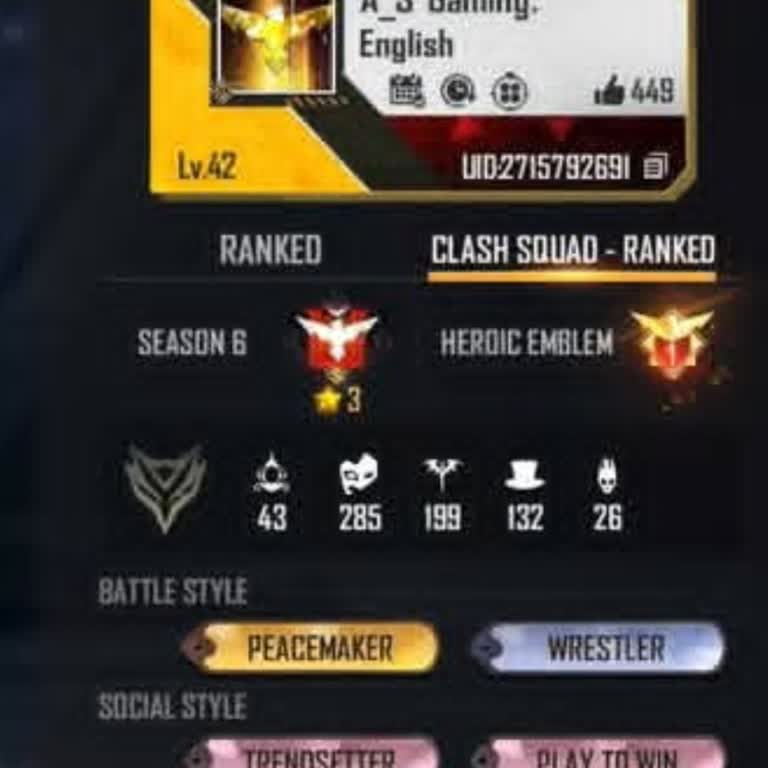
I am writing regarding my deleted Free Fire account with UID 2715792691. I can no longer access the Gmail account that w...as originally linked to this game ID, and I do not remember that Gmail address or the phone number that might have been used with it. I last played on this account approximately 4–
I am writing about a problem with my old Free Fire account, which was a pure guest account on an Android device. The in‑...game name of this account was “dhruvkumar64”. I last accessed this guest account in 2022 and later lost access. Since it was only a guest account, I can no longer log in or recover
I was playing Free Fire on my Android phone with a guest account that had reached level 45. The name of my in-game accou...nt was “?SBGAMER☯1”. Recently, I deleted Free Fire MAX from my phone and then installed it again. After reinstalling, I was shocked to see that my guest account was completely lost
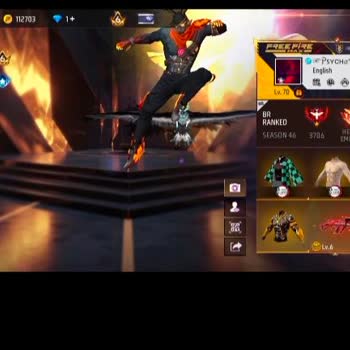
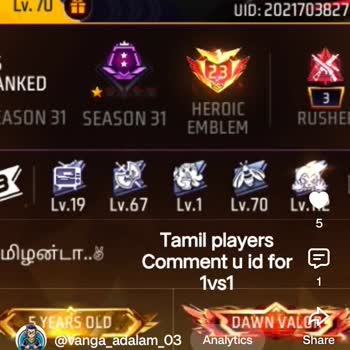
I am a Free Fire player from India and I am writing about a serious problem with my deleted account. My game account was... linked to my Facebook and my in‑game nickname was “PsyCha” (also displayed as PSYCHØ in Free Fire Max) with UID 2021703827. The account was level 70 and I had spent a long time pl
I have been playing Free Fire using an account linked to my Facebook profile. Yesterday, when I attempted to log in with... the same Facebook account, the game opened a brand-new ID instead of loading my existing account. I request the recovery and restoration of my original Free Fire account connected
I have been playing Free Fire Max with my current ID for about 1 year and this is my real and main game account. Recentl...y my ID was removed from the game and when I try to log in again with the same Gmail, a different ID is opening instead of my original one. Because of this I cannot access my own F
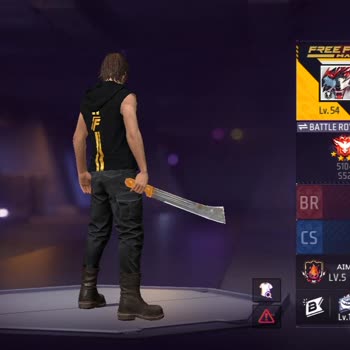
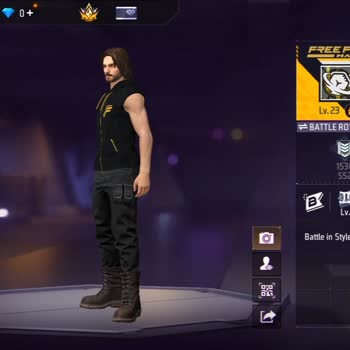
I was playing Garena Free Fire MAX on my Android phone with the account linked to my old Facebook profile. My Free Fire ...UID is 505446769 and the account was at level 57. My in‑game profile name included “Junaid/Legior”. Around eight months ago I deleted my Facebook account, and since more than 30 da
I have been playing Free Fire on my Android Realme 5i device and my main account has been lost for about the last 3–4 mo...nths. My bound account was removed and I can no longer access my old Free Fire account. The lost account is my Free Fire level 72 and UID 1157818276, as shown in the screenshot I a
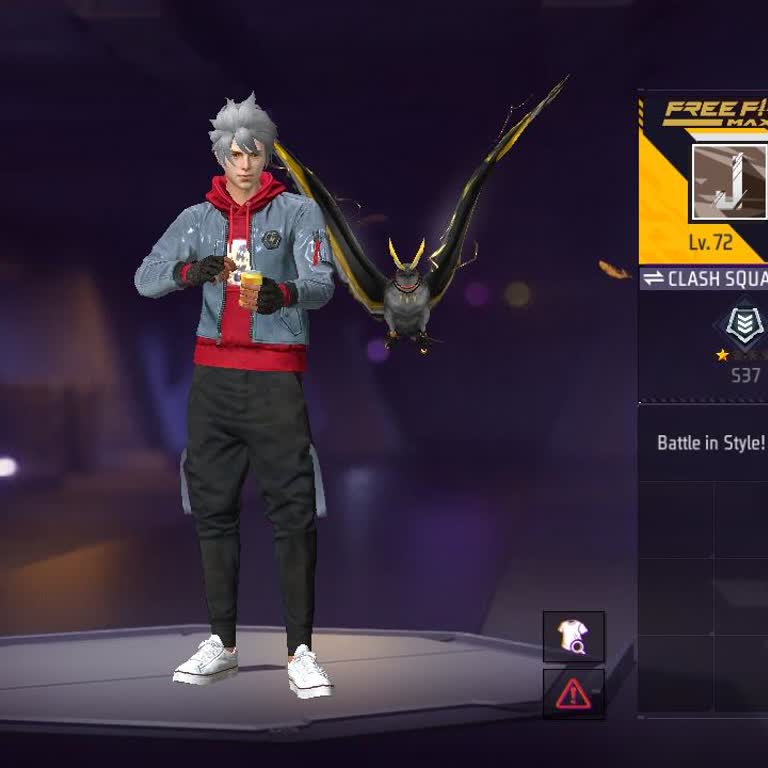
I have been playing Free Fire Max on a guest account named “yajsavraj” with UID 10868059065. About six months ago I lost... my phone on a train and, because it was only a guest account, I completely lost access to it. On this lost guest account I had important in‑game progress, items and value that I d
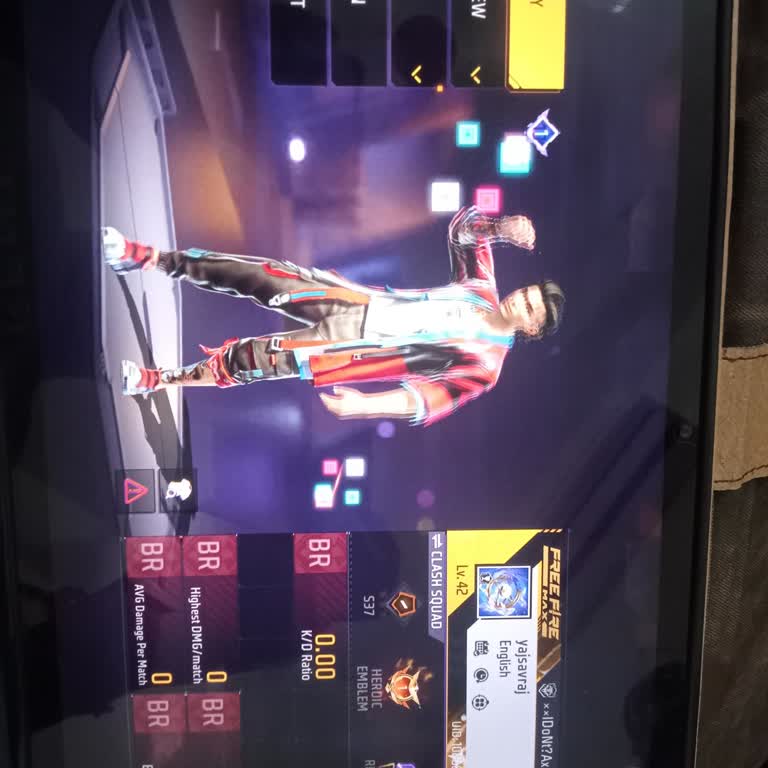
I have been playing Free Fire Max using my account linked to the App Store, and I recently encountered a serious login i...ssue. On February 13, 2026, when I attempted to log into my account, I received an “account not found” error message and have not been able to access my account since then. I conta
I had an old Free Fire MAX account with the in‑game name Bonex4ff, which was linked to my Facebook account, and I have n...ot been able to access it for about four months. The account was at level 58, and when I try to log in with Facebook now, I cannot get into that old account and I have lost access
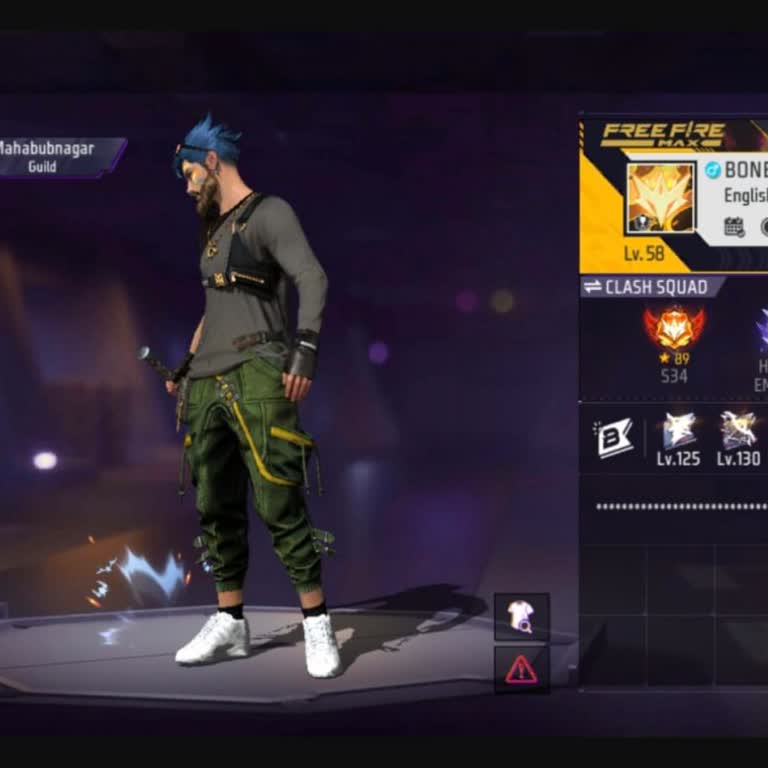
I am an Indian Free Fire player, and I am writing because I lost access to my old Free Fire account that was linked to a... Google account which has been deleted due to age restriction. The Free Fire account was created in 2020 and I used it actively until 2021. The UID of my old account is 2295212904
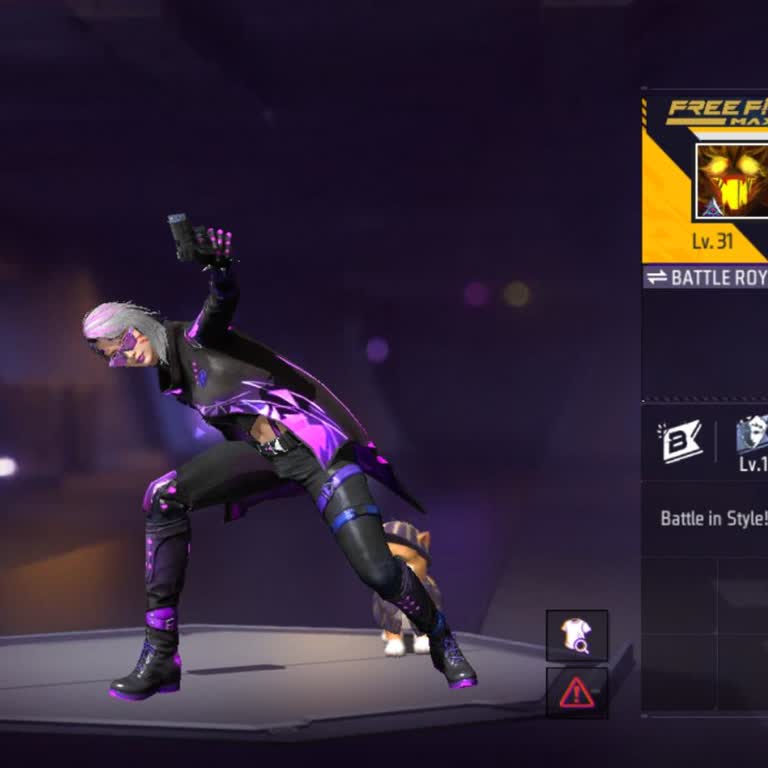
I am writing regarding the loss of my Free Fire Max guest account and to request that my old account be recovered to the... same UID. I play from Damoh, Madhya Pradesh, India and was using a Samsung Galaxy A5 device. My lost account was a guest account with the UID 10332134785 and the in‑game name “Apk
I am a Free Fire Max player on Android and I am writing because my account was hacked and later deleted, and I have not ...been able to recover it despite my efforts over the last four months. My original Free Fire Max account was linked to my Google account. My friend took over and hacked my account,
I am a Free Fire Max player and am facing a serious issue with my main account. My Free Fire Max ID 693786199 was banned... for 30 days on January 15. As of today, February 14, the ban has been lifted, but my original account is no longer accessible and appears to be completely lost. Before the ban, m
I have been playing Free Fire Max using my account linked to the App Store, and I recently encountered a serious login i...ssue. On February 13, 2026, when I attempted to log into my account, I received an “account not found” error message and have not been able to access my account since then. I conta
Due to my phone restarting, my Free Fire Max ID was accidentally deleted, and I forgot the password. My ID name is killa...r160212 and the UID number is 11435053222. Please kindly help me log in to my old ID. Thank you.
My Gmail account got deleted a year ago, and it was connected to my Free Fire Max account with UID 2891504774. I would l...ike to request the transfer of my game account to the new Gmail address: blackgamer***@gmail.com. I would greatly appreciate your assistance in recovering my account. Thank you for
Three years ago, someone broke into my Garena Free Fire account. Kindly review the account and send it back to me. Witho...ut my knowledge or consent, someone altered the password for my Free Fire account. Please, restore my account; it contains the sentiments and memories that are important to me. Ass
Three years ago, someone broke into my Garena Free Fire Max account. Kindly review the account and send it back to me. W...ithout my knowledge or consent, someone altered the password for my Free Fire account. Please, restore my account; it contains the sentiments and memories that are important to me.
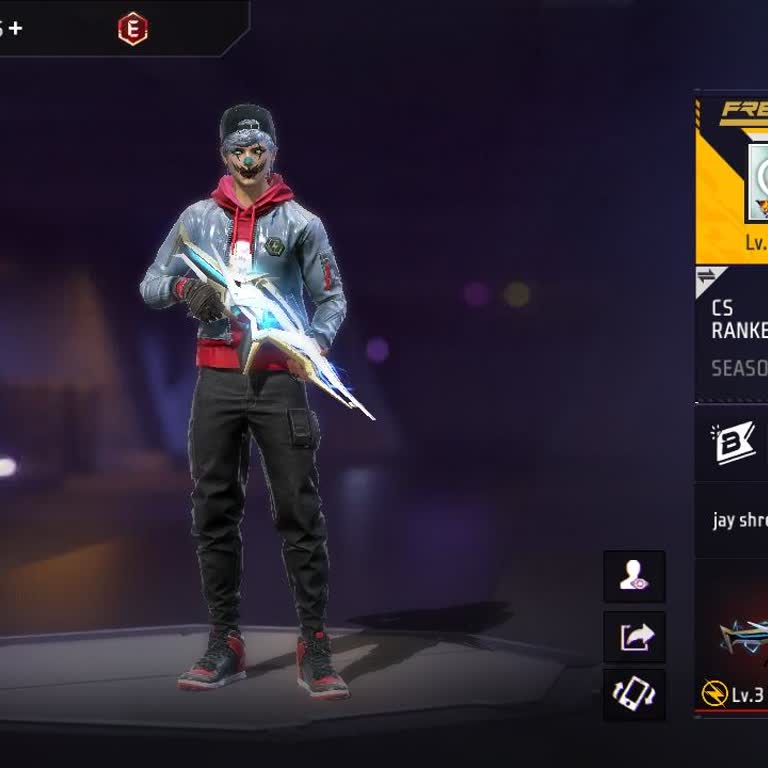
Dear Garena, my Free Fire account has been hacked—please help me get it back. It’s really precious to me. My UID is 1174...554683. I’ve played on this account for almost 7 years and I love it very much. You are my last hope now. This account has been offline for a long time, so please, Garena, help me

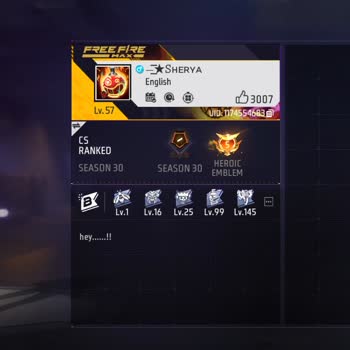
My Free Fire Max ID is 12022250, and I can’t access it anymore. The game won’t open with my ID, and I just want to recov...er it. Please help me get my ID back.

My Garena Free Fire account was hacked three years ago. Please check the account and return it to me. Someone changed th...e password to my Free Fire account without my permission. I kindly request that you recover my account, as it holds my feelings and emotions attached to it. The account ID is 22557