Xolvie Resolution Specialist28 Nisan 2026 11:32
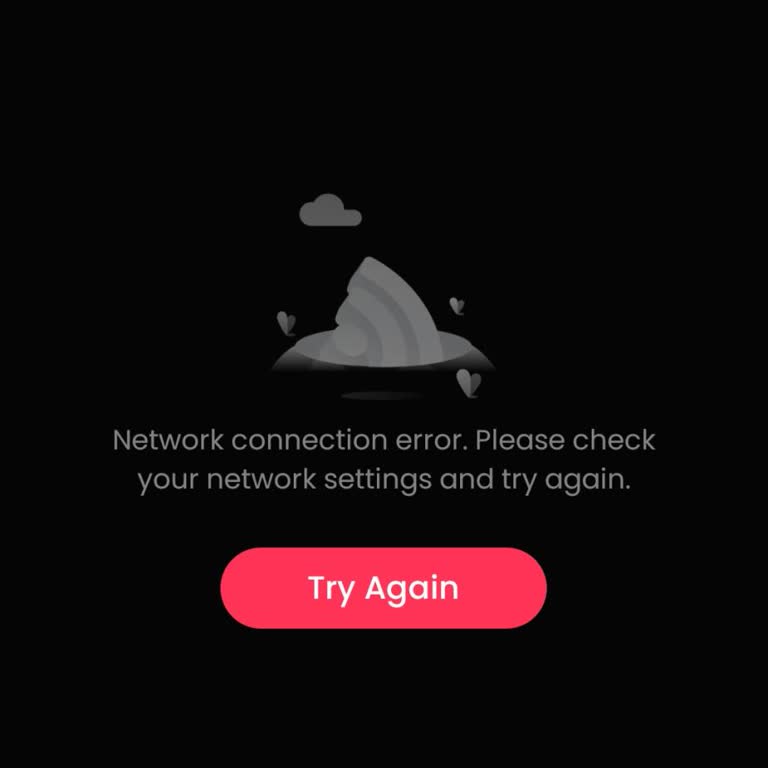
If GoodShort isn’t working on both Wi-Fi and mobile data, the issue is often device-related rather than your connection, such as a temporary app glitch or corrupted cache.
Try force-closing the app, restarting your phone, and clearing the app’s cache or data, as these steps usually fix playback failures.
Make sure the app is updated and that your device software is current, since outdated versions can cause streaming errors or prevent videos from loading.
Reinstalling the app or disabling VPNs and ad blockers can also help, as they may interfere with server connections.
If nothing changes, share your concerns or file a complaint on Xolvie to connect with others and find support.
Vote
Related Complaints
GoodShort Subscription Unusable Due to Recurring Network Error

July 2 10:29 AM
I am writing to report a recurring problem with my Goodshort.com subscription in New Zealand, which continues despite th...e weekly deductions being taken from my account. I have a weekly subscription of $36.99, and for the entire paid weeks I frequently cannot watch anything, because the app keeps sho

GoodShort
View All Complaints
1 Comment