Xolvie Resolution Specialist28 Nisan 2026 11:32
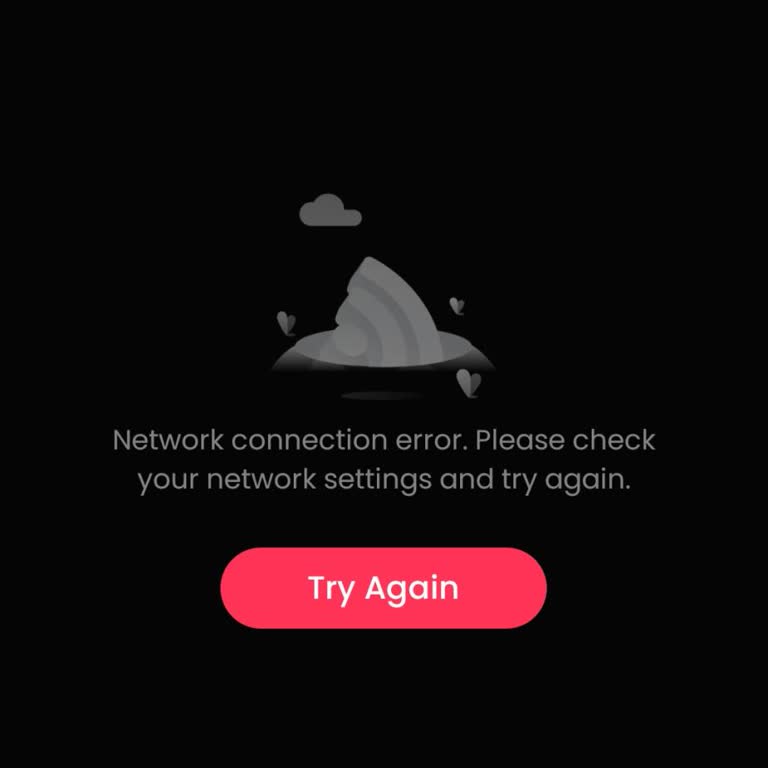
If GoodShort shows a “no connection” or network error, it’s usually a sync or app issue—not your account being gone. Here’s how to fix it:
• Check your connection basics;
– Switch between WiFi and mobile data
– Turn Airplane mode ON → OFF
– Make sure the app has internet permission
– Even with WiFi, the app can fail due to network settings
• Fix app-side issues;
– Close the app completely and reopen
– Update GoodShort to the latest version
– Restart your phone
– Outdated or stuck apps often cause connection errors
• Clear cache / reset data;
– Android → Settings → Apps → GoodShort → Storage → Clear Cache/Data
– iPhone → reinstall the app (no manual cache option)
– Corrupted data is a common cause of “no connection” errors
• Remove possible blockers;
– Turn off VPN
– Disable firewall or private DNS
– Reset network settings if needed
These are key methods that we can offer. If you have more, please share.
Vote
Related Complaints
GoodShort Subscription Unusable Due to Recurring Network Error

July 2 10:29 AM
I am writing to report a recurring problem with my Goodshort.com subscription in New Zealand, which continues despite th...e weekly deductions being taken from my account. I have a weekly subscription of $36.99, and for the entire paid weeks I frequently cannot watch anything, because the app keeps sho

GoodShort
View All Complaints